
Closed captions on Netflix help viewers read spoken dialogue, sound effects, background noises, and audio cues while watching movies, TV shows, documentaries, anime, and live content.
In 2026, Netflix closed captions became one of the platform’s most-used accessibility features because millions of people watch content silently, in noisy places, or with hearing support needs.
Netflix allows users to turn captions on or off across smart TVs, iPhones, Android devices, gaming consoles, browsers, streaming sticks, tablets, and laptops.
Modern Netflix captions are also highly customizable, letting users change font size, color, text style, background opacity, and subtitle appearance for a more comfortable viewing experience.
If you want subtitles for better understanding, language learning, quiet nighttime streaming, or accessibility support, this complete guide explains exactly how to turn on closed captions on Netflix across every device in 2026.
What Are Netflix Closed Captions
- 📺 Closed captions display spoken dialogue as text
- 🔊 Captions also describe sound effects and music
- 🧏 Accessibility support improved massively in 2026
- 🌍 Netflix captions support multiple languages
- 🎬 Captions help viewers understand fast dialogue
- 📖 Reading captions improves comprehension and focus
- 🌙 Quiet nighttime streaming becomes easier
- 📱 Netflix captions work on almost every device
- 🎧 Background noises are explained through captions
- 💡 Captions improve understanding of accents
- 🚀 AI-powered caption accuracy improved significantly
- 📊 Streaming platforms prioritize accessibility features now
- 🖥 Netflix supports caption customization options
- ✨ Captions increase content accessibility worldwide
- 📈 Silent viewing trends continue growing rapidly
- 🎮 Gaming consoles support Netflix subtitles fully
- ☀️ Language learners use captions heavily
- 💬 Families use captions in noisy environments
- 🧠 Captions improve memory retention while watching
- 🎥 Streaming without sound became common in 2026
- 🌟 Netflix captions are now a standard feature
How to Turn On Closed Caption on the Netflix Mobile App
- 📱 Open the Netflix app first
- 🎬 Start playing a movie or show
- ⏸ Tap the screen during playback
- 💬 Select the Audio & Subtitles option
- 🌍 Choose your preferred caption language
- ✅ Tap English CC or another subtitle option
- 📖 Captions instantly appear on screen
- 🔊 Audio descriptions may also be available
- 🎧 Captions work with headphones or speakers
- 💡 Netflix remembers subtitle preferences sometimes
- 📈 Mobile caption viewing increased massively in 2026
- 🌙 Dark mode users rely on captions often
- 📲 Android and iPhone steps are nearly identical
- ✨ Captions improve silent viewing experiences
- 🚀 App updates improved subtitle speed recently
- 🧠 Reading captions helps focus better
- 🎥 Mobile binge-watching feels easier with captions
- 📺 Netflix originals support many subtitle languages
- ☀️ Captions help during travel and commuting
- 💬 Social media users often watch silently
- 🌟 Mobile Netflix captions are quick to enable
How to Turn On Closed Caption on Netflix Smart TVs
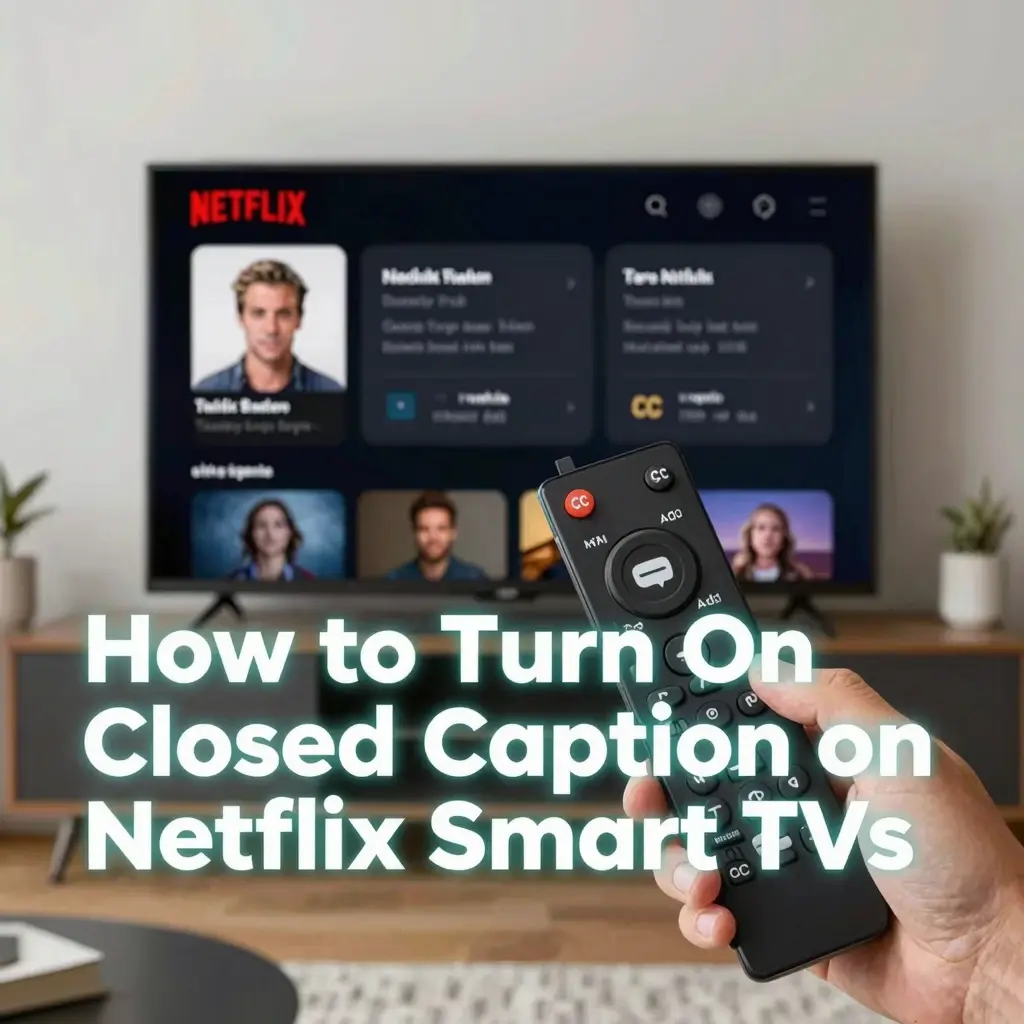
- 📺 Open Netflix on your smart TV
- 🎬 Start watching any movie or series
- ⏸ Press the pause or select button
- 💬 Navigate to Audio & Subtitles settings
- 🌍 Choose subtitle or closed caption language
- ✅ Enable captions instantly
- 📖 Captions appear across the bottom of the screen
- 🔊 Sound effect descriptions may appear too
- 💡 TV remote shortcuts vary by brand
- 📱 Some smart TVs support voice controls
- 🚀 Modern TVs load captions faster in 2026
- 🎧 Captions improve family viewing experiences
- 🌙 Nighttime viewing becomes quieter
- 📊 Accessibility settings improved on smart TVs recently
- 🎮 Gaming TVs support caption customization too
- ✨ Netflix remembers subtitle preferences on profiles
- ☀️ Larger TV captions improve readability
- 🧠 Captions help viewers follow fast dialogue
- 📺 Streaming devices work similarly to smart TVs
- 💬 Netflix menus became easier to navigate
- 🌟 Smart TV captions are simple to activate
Turn On Closed Caption on Netflix
- 🖥 Open Netflix in your browser
- 🎬 Play your chosen movie or series
- ⏸ Move your mouse during playback
- 💬 Click the speech bubble icon
- 🌍 Select subtitle or caption language
- ✅ Enable English CC or your preferred option
- 📖 Captions immediately appear on screen
- 🔊 Browser captions sync automatically with audio
- 💡 Chrome and Edge support Netflix captions well
- 📈 Browser streaming remains popular in 2026
- 🚀 Netflix web player improved accessibility tools
- 🎧 Captions help during work or study sessions
- 🌙 Quiet environments benefit from subtitles
- 🧠 Reading while listening improves comprehension
- 📺 Netflix originals support advanced subtitle options
- ✨ Browsers allow quick caption toggling
- ☀️ Laptop streaming becomes easier with captions
- 💬 Multiple users can customize captions separately
- 📱 Browser captions work on tablets too
- 📊 Netflix accessibility standards improved recently
- 🌟 Web captions are easy to customize
Turn On Closed Caption on Netflix Roku
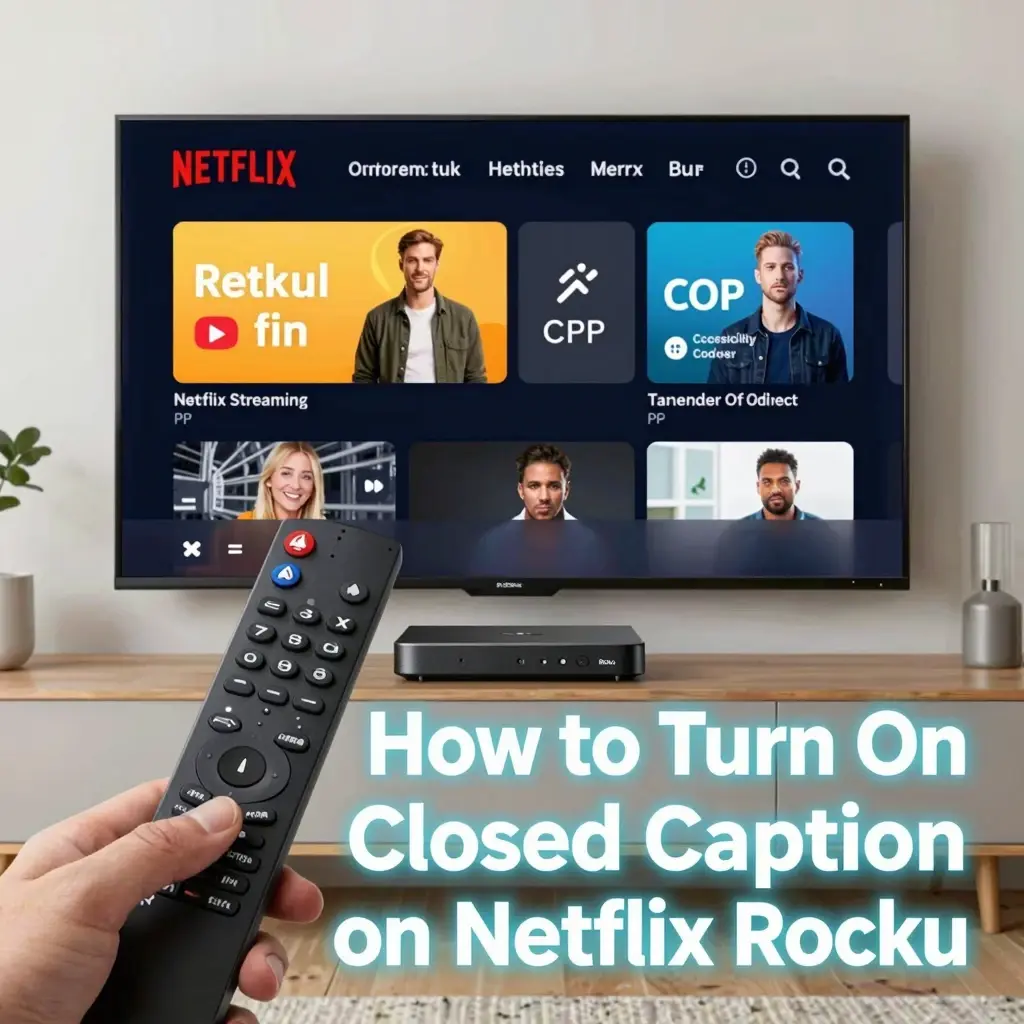
- 📺 Open Netflix through Roku
- 🎬 Start playing your content
- ✨ Press the star button on your remote
- 💬 Open subtitle preferences
- 🌍 Select your caption language
- ✅ Turn captions on instantly
- 🔊 Roku supports accessibility subtitle features
- 🚀 Roku streaming improved subtitle syncing in 2026
- 🌙 Nighttime streaming becomes more convenient
- 💡 Roku menus simplify subtitle activation
- 📈 Streaming stick users rely heavily on captions
- 🧠 Reading captions helps understanding greatly
- 📺 Netflix profiles remember subtitle settings sometimes
- ☀️ Large-screen readability has improved recently
- 🎮 Roku TVs support caption customization too
- 📊 Subtitle visibility settings are adjustable
- 💬 Family viewing becomes easier with captions
- ✨ Netflix and Roku integrate accessibility smoothly
- 🌟 Roku users can enable captions within seconds
Closed Caption on Netflix Fire TV Stick
- 🔥 Open Netflix on Amazon Fire TV Stick
- 🎬 Start watching a show or movie
- ⏸ Pause playback briefly
- 💬 Navigate to subtitles settings
- 🌍 Select subtitle language preferences
- ✅ Enable captions immediately
- 🔊 Sound effect descriptions may appear too
- 🚀 Fire TV Stick subtitle support improved greatly in 2026
- 🎧 Silent viewing becomes more comfortable
- 💡 Alexa voice commands may control captions
- 📈 Fire TV Stick remains a popular streaming device
- 📺 Netflix originals support multiple caption languages
- ✨ Accessibility options are easier to access now
- ☀️ Large TVs improve subtitle readability
- 💬 Shared family viewing benefits from captions
- 📊 Subtitle customization keeps improving yearly
How to Customize Netflix Closed Captions
- 🎨 Change subtitle font styles easily
- 📖 Adjust caption text size for readability
- 🌈 Modify text and background colors
- 🔳 Change caption background opacity
- 💡 Customize subtitles for visual comfort
- 📱 Mobile apps support basic customization
- 🖥 Web browsers offer advanced caption settings
- 🌙 Dark mode captions reduce eye strain
- 🧠 Better readability improves comprehension
- 🎬 Personalized captions improve streaming experiences
- 📺 Larger fonts help on bigger screens
- 🔊 Hearing-impaired viewers benefit greatly
- ✨ Subtitle shadows improve visibility
- 📈 Netflix expanded customization options recently
- 💬 User-friendly settings simplify adjustments
- ☀️ Brightness settings affect caption clarity too
- 🎧 Captions should remain easy to read
- 📊 Accessibility remains a top Netflix priority
Why Netflix Closed Captions Are Popular
- 📈 Silent streaming became extremely common
- 🌙 Nighttime viewers avoid disturbing others
- 🧏 Accessibility awareness keeps growing globally
- 🎬 Captions improve understanding of dialogue
- 🌍 International viewers use subtitles heavily
- 📖 Language learners rely on Netflix captions
- 🎧 Background noise makes captions useful
- 💡 Captions improve focus and comprehension
- 🚀 Streaming accessibility improved massively in 2026
- 📺 Social media users often watch videos silently
- 🧠 Reading captions improves memory retention
- ✨ Captions help understand strong accents
- 📊 Streaming platforms compete on accessibility now
- 💬 Captions support hearing-impaired communities greatly
- 🔊 Sound effect descriptions improve immersion
- 📱 Mobile streaming increased subtitle usage heavily
- 🌈 Younger audiences prefer captions more often
- 🎥 Netflix originals include advanced subtitle support
- 🌟 Captions became part of modern streaming culture
Best Netflix Caption Settings in 2026
- 📖 Medium font sizes improve readability best
- 🌙 Dark backgrounds reduce eye strain
- ✨ White text remains the most popular choice
- 🔳 Semi-transparent backgrounds improve visibility
- 📱 Mobile users prefer larger text sizes
- 🖥 Browser users customize captions heavily
- 🎬 Subtitle shadows improve contrast dramatically
- 📺 Large TVs work better with medium text
- 🚀 Netflix customization tools improved recently
- 🎧 Accessibility settings depend on personal preference
- 🧠 Easy-to-read captions improve focus
- 💬 Families often choose larger subtitle sizes
- ☀️ Bright rooms require higher subtitle contrast
- 📊 Netflix remembers preferences per profile
- 🔊 Sound description captions help accessibility users
- 🎮 Gaming TVs need readable subtitle styles
- 📈 Caption personalization trends increased in 2026
- 🌍 Different languages may display differently
- 🌟 Customized captions improve streaming comfort greatly
Netflix Closed Caption Problems and Fixes
- ⚠️ Captions may disappear unexpectedly sometimes
- 🔄 Restarting Netflix often fixes subtitle glitches
- 📱 Updating the Netflix app solves many issues
- 🌍 Wrong subtitle language may appear accidentally
- 📖 Internet issues may delay subtitle loading
- 🚀 Restarting devices fixes many caption bugs
- 💡 Accessibility settings may override Netflix preferences
- 📺 Smart TV firmware updates improve subtitle stability
- 🎧 Bluetooth delays can affect subtitle syncing
- 🌙 Dark scenes may reduce caption visibility
- 📊 Cache problems sometimes break subtitle loading
- ✨ Browser refreshes solve many web subtitle issues
- 🧠 Outdated apps often cause caption glitches
- 📱 Mobile subtitle bugs improved in 2026
- 💬 Netflix support helps with persistent issues
- 📈 AI syncing improved subtitle accuracy recently
- 🔳 Closed caption settings may reset unexpectedly
- 🌟 Most Netflix caption problems are easy to fix
Closed Captions vs Subtitles on Netflix
- 📖 Closed captions include sound descriptions
- 🌍 Subtitles mainly translate spoken dialogue
- 🔊 Captions describe background noises and music
- 🧏 Closed captions help hearing-impaired viewers
- 💡 Netflix offers both options on many titles
- 📱 Caption labels often show “CC.”
- 🎧 Sound effects improve immersion through captions
- 🚀 Accessibility standards improved in 2026
- 📺 Netflix originals support advanced captioning features
- 📊 Closed captions contain more detailed audio information
- ☀️ Language learners prefer subtitles frequently
- 🧠 Reading captions improves content comprehension
- 🌙 Quiet streaming works well with both options
- 💬 Families benefit from subtitles and captions alike
- 📈 Streaming accessibility depends heavily on captions now
- 🎮 Gaming content increasingly includes caption features
- 🔳 Netflix accessibility tools continue expanding yearly
FAQs
1: How do I turn on closed captions on Netflix?
A: Start playing a show, open Audio & Subtitles settings, then select your preferred caption language.
2: Why are Netflix captions not working?
A: Caption issues are often caused by outdated apps, internet problems, or subtitle settings glitches.
3: Can I customize Netflix closed captions?
A: Yes. Netflix allows users to change font size, color, background, and subtitle appearance.
4: What is the difference between captions and subtitles?
A: Closed captions include sound effects and audio descriptions, while subtitles mainly translate spoken dialogue.
5: Are Netflix captions available on all devices?
A: Yes. Netflix supports captions on phones, smart TVs, browsers, tablets, consoles, and streaming devices.
6: Why do people use Netflix captions?
A: People use captions for accessibility, silent viewing, language learning, better understanding, and noisy environments.
Conclusion:
Netflix closed captions are very important for watching shows and movies in 2026
They improve accessibility, help viewers understand dialogue better, support silent viewing habits, and create a more inclusive entertainment experience for millions of people worldwide.
You can watch Netflix on TV, phone, laptop, Roku, Fire TV, or game console. You can turn on captions very fast and read words on the screen.
From language learning to nighttime binge-watching, captions make streaming easier, clearer, and more enjoyable.

Liam Davis is a modern storyteller and creative writer known for his engaging, insightful, and emotionally rich content. With a passion for literature and digital storytelling, he brings ideas to life through powerful words that connect with readers worldwide. His writing style blends creativity with clarity, making complex thoughts simple and relatable.