
Caption phones are special phones that show words on a screen while people are talking.
They help people who have trouble hearing understand phone calls better.
In 2026, caption phones use smart technology to turn spoken words into text very quickly.
They use the internet and computer systems to make phone calls easier to follow.
Many seniors and people with hearing loss use caption phones at home, work, hospitals, and other places.
These phones help people talk with others without stress.
Modern caption phones have better accuracy, support more languages, and work like real-time texting during calls.
This guide explains how caption phones work, their benefits, features, and how they help people communicate.
What Are Caption Phones in Modern Communication
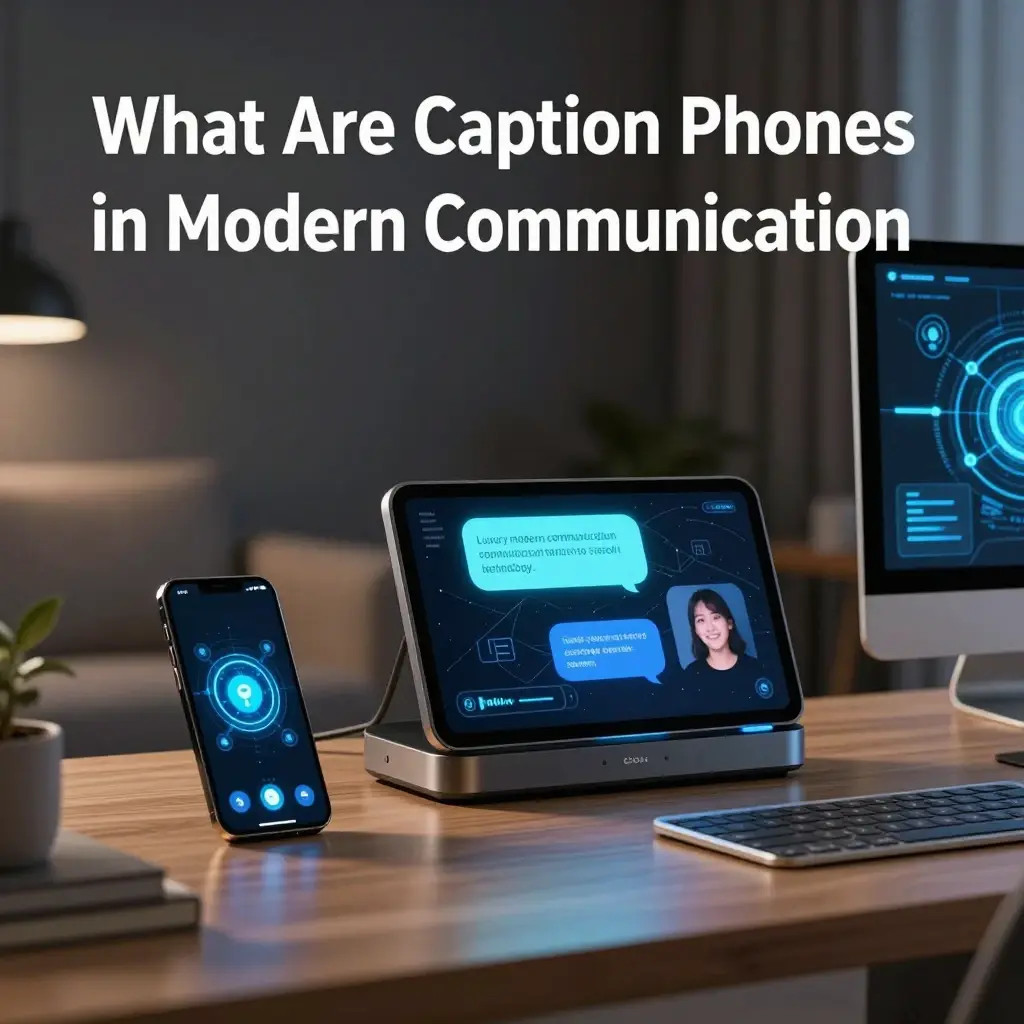
- 📞 Caption phones are devices that show the real-time text of spoken calls
- 🧠 They use speech-to-text technology for instant transcription
- 👂 Designed mainly for people with hearing difficulties
- 📱 Function like regular phones but with visual captions
- 🌐 Connected through the internet or relay services
- 💬 Convert voice into readable text during calls
- 🔊 Allow users to listen and read simultaneously
- 🧓 Popular among seniors for easy communication
- ⚡ Provide near real-time captioning speed
- 💡 Improve accessibility in daily communication
- 🏠 Used in homes, hospitals, and workplaces
- 📡 Depend on advanced cloud-based AI systems
- 🗣️ Support natural conversation flow
- 🔐 Secure and private communication system
- 🎯 Reduce misunderstanding during calls
- 🧩 Combine hardware and software solutions
- 🌍 Help bridge communication barriers globally
- 💓 Improve confidence in phone usage
- 📊 Enhance digital inclusion for all users
- 🧾 Store call transcripts for reference
- 🚀 Modern alternative to traditional phones
How Caption Phones Work Step by Step
- 📞 User places or receives a call on a caption phone
- 🎤 Speaker’s voice is captured through a microphone
- 🧠 AI converts speech into real-time text
- 🌐 Text is transmitted via secure internet servers
- 📱 Captions appear on phone screen instantly
- 🔊 Audio continues playing simultaneously
- ⚡ Low latency ensures fast transcription
- 💬 Relay operators may assist in some systems
- 🧩 System filters background noise automatically
- 🎯 Improves accuracy of spoken words
- 🖥️ Large display shows readable captions
- 🔄 Continuous updating during conversation
- 🧓 Easy interface for seniors and beginners
- 📡 Uses VoIP or relay-based networks
- 💡 Machine learning improves accuracy over time
- 🔐 Data encrypted for privacy protection
- 📊 Can store conversation logs if enabled
- 🌍 Works across long-distance calls
- 🧠 Adapts to different accents and speech patterns
- 📞 Seamless switching between audio and text
- 🚀 Designed for real-time human communication
Benefits of Using Caption Phones in Daily Life
- 💖 Makes communication easier for hearing-impaired users
- 📞 Reduces misunderstandings during conversations
- 🧠 Improves confidence in phone communication
- 👵 Perfect for seniors living independently
- 🌍 Enhances accessibility in modern society
- 💬 Enables clear understanding of complex speech
- 🔊 Combines hearing and reading together
- 🏠 Useful for family communication at home
- 🚑 Helpful in medical emergency calls
- 📱 Works like a normal phone with added support
- 💡 Increases digital inclusion and independence
- 🎯 Reduces stress during conversations
- 📊 Improves workplace communication efficiency
- 🧩 Helps people with partial hearing loss
- 🌐 Supports long-distance communication
- 💓 Encourages social interaction and connection
- 🔐 Safe and secure communication tool
- 📚 Helps retain information from calls
- ⚡ Speeds up understanding of spoken words
- 🧓 Improves quality of life for elderly users
- 🚀 Builds confidence in digital communication
Who Uses Caption Phones the Most
- 👵 Seniors with age-related hearing loss
- 👂 Individuals with partial or complete hearing impairment
- 🏥 Patients recovering from ear-related conditions
- 🧑💼 Professionals needing clear phone communication
- 🏠 Families supporting elderly members
- 📞 Customer service workers with hearing challenges
- 🎓 Students with accessibility needs
- 🌍 People in multilingual communication settings
- 🧠 Users with auditory processing disorders
- 💬 Individuals who prefer reading over listening
- 🚑 Emergency responders needing clarity
- 📱 Tech users seeking inclusive communication tools
- 👨👩👧 Multigenerational households
- 🏢 Workplace accessibility programs
- 🔊 People sensitive to audio noise
- 🧓 Assisted living residents
- 🌐 Remote workers and freelancers
- 📊 Corporate accessibility teams
- 💖 Caregivers assisting patients
- 🎯 Advocacy groups for hearing accessibility
- 🚀 Anyone needing clearer phone conversations
Key Features of Caption Phones in 2026
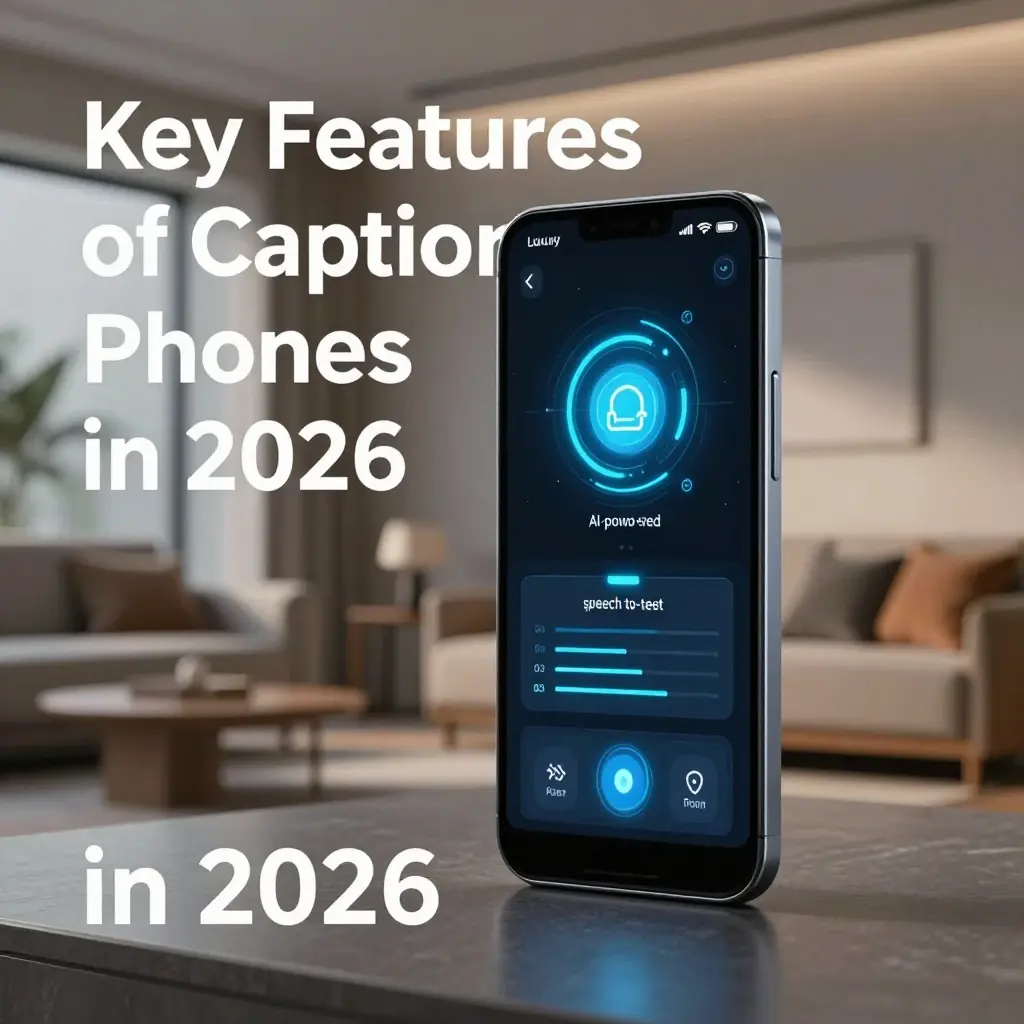
- 📱 Large high-contrast display screens
- 🧠 AI-powered speech recognition system
- ⚡ Real-time caption generation
- 🔊 Dual audio and text mode
- 🌐 Internet-based connectivity support
- 💬 Multi-language transcription support
- 🔐 Secure encrypted communication
- 🧓 Easy user-friendly interface
- 🎯 Adjustable font sizes for readability
- 📞 One-touch calling features
- 💡 Noise filtering technology
- 🧩 Integration with smart home systems
- 📊 Call history and transcript storage
- 🚨 Emergency call prioritization
- 🖥️ Touchscreen navigation options
- 🔄 Auto-updating software system
- 🌍 Global calling compatibility
- 🎧 Hearing aid compatibility
- 🧠 Adaptive learning for speech accuracy
- 📡 Cloud-based processing power
- 🚀 Fast response transcription engine
Types of Caption Phones Available Today
- 📞 Home-based landline caption phones
- 📱 Mobile caption phone apps
- 🖥️ Computer-based caption calling systems
- 🌐 Internet-only caption devices
- 🔊 Hybrid audio-caption devices
- 🧓 Senior-focused simplified models
- 📊 Professional-grade caption systems
- 🏥 Medical accessibility phones
- 🎓 Educational accessibility tools
- 💬 Business communication caption phones
- 🧠 AI-enhanced smart caption phones
- 🔐 Secure enterprise caption systems
- 📡 Cloud-integrated caption services
- 📞 Portable caption devices
- 🌍 International calling caption systems
- 🏠 Home assistant integrated models
- 🎧 Hearing aid compatible devices
- 💡 Low-cost basic caption phones
- 🚀 Premium AI-powered caption phones
- 📊 Government-supported accessibility devices
- 🧩 Customizable caption solutions
Caption Phones vs Regular Phones
- 📞 Caption phones show text, regular phones do not
- 👂 Caption phones assist hearing-impaired users
- 💬 Regular phones rely only on audio
- 🧠 Caption phones use AI transcription technology
- 📱 Regular phones are more general-purpose
- 🔊 Caption phones provide dual communication modes
- 🌐 Caption phones use relay services or cloud AI
- 🧓 Caption phones are accessibility-focused
- 📊 Regular phones have no transcription features
- 🔐 Caption phones offer secure captioning systems
- 💡 Caption phones reduce communication errors
- 🚀 Regular phones are faster but less inclusive
- 🧩 Caption phones require internet connectivity
- 🏠 Regular phones can work offline
- 💖 Caption phones improve accessibility experience
- 🎯 Regular phones focus on simplicity
- 📡 Caption phones depend on speech-to-text systems
- 💬 Regular phones depend on voice clarity
- 🧠 Caption phones adapt to speech patterns
- 🌍 Caption phones enhance inclusivity globally
- ⚡ Both serve different communication needs
Speech-to-Text Technology Behind Caption Phones
- 🧠 AI models analyze spoken language instantly
- 🎤 Microphone captures voice input clearly
- 📡 Audio is sent to cloud servers
- 💬 Speech converted into readable text
- ⚡ Real-time processing ensures fast captions
- 🔊 Noise reduction improves clarity
- 🌐 Cloud computing boosts accuracy
- 🧩 Language models detect context
- 🧓 Optimized for different speech speeds
- 🎯 Learns accents over time
- 📊 Improves with machine learning updates
- 🔐 Secure encrypted data transmission
- 📱 Displays captions on screen instantly
- 💡 Predictive text correction used
- 🚀 High-speed transcription algorithms
- 🗣️ Supports multiple dialects
- 📞 Works during live phone calls
- 🧠 Continuous AI optimization
- 🌍 Multilingual translation support
- 💬 Sentence structuring for readability
- ⚡ Minimal delay for real-time use
Setting Up a Caption Phone
- 📞 Connect device to phone line or internet
- 🔌 Plug in power adapter securely
- 🌐 Ensure stable internet connection
- 🧠 Activate caption service account
- 📱 Configure display preferences
- 🔊 Test audio and caption sync
- 🧓 Adjust font size for comfort
- 🎯 Set language preferences
- 💬 Run initial calibration test
- 📡 Verify network connection stability
- 🔐 Create secure login credentials
- 🧩 Pair with hearing devices if needed
- 📊 Enable call history feature
- 🚨 Set emergency contact numbers
- 💡 Customize brightness settings
- 🖥️ Familiarize with interface layout
- 📞 Test outgoing call function
- 📥 Check incoming call captions
- 🧠 Update software if required
- 🌍 Enable global calling options
- 🚀 Complete setup and start usage
Cost and Affordability of Caption Phones
- 💰 Prices vary depending on features
- 📞 Basic models are more affordable
- 🧠 Advanced AI models cost more
- 🌐 Internet service may be required
- 🧓 Some government subsidies available
- 💡 Free relay services in some regions
- 📱 Mobile apps reduce hardware cost
- 🔊 Premium devices offer better accuracy
- 🏠 Home installation may add cost
- 📊 Subscription plans for caption services
- 💬 Monthly fees for cloud transcription
- 🔐 Secure services may cost extra
- 🎯 Budget options available for seniors
- 📡 Internet cost impacts usage
- 🧩 Bundled packages reduce expenses
- 🚀 High-end devices target professionals
- 💖 Accessibility programs may help funding
- 🧠 Long-term cost is often justified
- 📞 Maintenance costs are minimal
- 🌍 Regional pricing differences exist
- 💰 Value increases with usability
Accessibility and Inclusion Impact
- 💖 Helps bridge communication gaps
- 👂 Supports hearing-impaired individuals
- 🌍 Promotes digital inclusion globally
- 🧓 Improves independence for seniors
- 🧠 Enhances cognitive accessibility
- 📞 Makes communication barrier-free
- 💬 Encourages equal participation
- 🏠 Supports family bonding
- 📊 Used in workplaces for inclusion
- 🔊 Reduces social isolation
- 🎯 Improves confidence in communication
- 🌐 Supports multilingual accessibility
- 🧩 Integrates with assistive technologies
- 💡 Empowers disabled communities
- 🚀 Encourages tech-driven inclusion
- 💓 Improves emotional well-being
- 📱 Makes technology more human-friendly
- 🧓 Supports aging population needs
- 🔐 Ensures private communication access
- 🌈 Builds inclusive digital ecosystems
- 💬 Creates equal communication opportunities
Caption Phones for Seniors in Daily Use
- 👵 Simplifies everyday phone calls
- 📞 Helps seniors talk with family easily
- 🧠 Reduces confusion in conversations
- 💬 Displays clear readable captions
- 🏠 Useful for home communication
- 🔊 Supports hearing limitations
- 📱 Easy-to-use interface design
- 💖 Boosts confidence in seniors
- 🌐 Enables remote family connection
- 🧓 Designed specifically for elderly users
- 🎯 Large fonts improve readability
- 📡 Stable connection for reliability
- 🧩 Simple navigation system
- 💡 Reduces communication frustration
- 🚨 Helpful for emergency calls
- 📊 Stores call history for review
- 🖥️ Bright screens for better visibility
- 🔐 Safe and private communication
- 🧠 Minimal learning curve required
- 💓 Improves emotional well-being
- 🚀 Enhances senior independence
Emergency Communication with Caption Phones
- 🚨 Ensures clear communication in emergencies
- 📞 Captions help understand urgent instructions
- 🧠 Reduces panic during critical calls
- 💬 Improves clarity with emergency operators
- 🔊 Supports audio + text simultaneously
- 📡 Fast response relay systems
- 🧓 Vital for elderly safety situations
- 🌐 Works during medical emergencies
- 💡 Improves accuracy in instructions
- 🏥 Useful in hospital coordination
- 📱 Easy access to emergency contacts
- 🔐 Secure emergency communication channel
- 🎯 Minimizes misunderstanding risks
- 🧩 Supports multilingual emergency support
- ⚡ Fast transcription speeds
- 🚑 Critical for hearing-impaired users
- 💖 Enhances life-saving communication
- 📊 Logs emergency calls if needed
- 🖥️ Clear visibility during stress
- 🌍 Works globally in supported systems
- 🚀 Improves emergency response outcomes
Pros and Cons of Caption Phones
- 👍 Improves accessibility for hearing loss
- 👍 Real-time speech-to-text captions
- 👍 Boosts communication confidence
- 👍 Easy to use interface
- 👍 Works with modern internet systems
- 👎 Requires stable internet connection
- 👎 Some models can be expensive
- 👎 May have slight transcription delay
- 👎 Depends on speech clarity
- 👍 Great for seniors and accessibility users
- 👍 Supports emergency communication
- 👍 Enhances social inclusion
- 👎 Setup may require assistance
- 👍 Offers multilingual support
- 👍 Improves daily communication flow
- 👎 Limited offline functionality
- 👍 Integrates with modern devices
- 👍 Reduces communication barriers
- 👎 Subscription costs may apply
- 👍 Strong long-term usability
- 👍 Overall highly beneficial technology
Tips for Best Use of Caption Phones
- 🎯 Speak clearly during conversations
- 🧠 Use stable internet connection
- 📞 Keep device software updated
- 🔊 Reduce background noise
- 🧓 Adjust font size for comfort
- 💡 Use training mode if available
- 📱 Test calls regularly
- 🧩 Learn interface features slowly
- 🌐 Enable all accessibility settings
- 💬 Speak at moderate speed
- 🔐 Protect account credentials
- 📊 Review call history if needed
- 🚀 Use headset for better clarity
- 🖥️ Position screen at eye level
- 💖 Practice with family members
- 🎯 Customize language settings
- ⚡ Restart device if lag occurs
- 📡 Check network strength often
- 🧠 Stay updated with new features
- 🌍 Explore multilingual options
- 💓 Use confidently without hesitation
Future of Caption Phones in 2026 and Beyond
- 🤖 AI will improve real-time accuracy
- 🌐 Faster global communication systems
- 🧠 Smarter contextual understanding
- 📱 Fully integrated smartphone systems
- 🔊 Near-zero transcription delay
- 💬 Emotion-detecting captions
- 🧩 Seamless wearable integration
- 🚀 Cloud AI will dominate processing
- 📡 6G will enhance speed further
- 💡 Better offline caption capabilities
- 🧓 More senior-friendly innovations
- 🌍 Global accessibility expansion
- 🔐 Stronger privacy protections
- 📊 Predictive conversation captions
- 💖 More human-like communication flow
- 🎯 Personalized caption experiences
- 🖥️ AR-based caption displays
- 🎧 Enhanced hearing aid syncing
- ⚡ Ultra-fast voice recognition
- 🌈 Universal accessibility standard
- 🚀 Future-ready communication revolution
FAQs
Q1. What is a caption phone?
A: A caption phone is a device that converts spoken words into real-time text during phone calls.
Q2. Who should use caption phones?
A: Hearing-impaired individuals and seniors mainly use them with hearing loss.
Q3. Do caption phones need the internet?
A: Yes, most modern caption phones require an internet connection for real-time transcription.
Q4. Are caption phones free?
A: Some services are subsidized or free in certain regions, while advanced models may cost money.
Q5. How accurate are caption phones?
A: In 2026, AI-powered caption phones are highly accurate but may vary based on audio clarity.
Q6. Can caption phones be used for emergencies?
A: Yes, they are widely used for emergency communication due to their clarity and accessibility.
Conclusion:
Caption phones have changed the way people with hearing problems talk to others in 2026.
These phones help people connect with family, friends, work, and important services.
They turn spoken words into text that people can read on the screen.
This makes phone calls easier, clearer, and less stressful.
In the future, caption phones will become faster and smarter.
They help seniors, workers, and many other people communicate better.
Caption phones are a great tool for people who want to stay connected and independent.

Emma Richardson is a passionate and creative content writer who specializes in crafting engaging captions, social media content, and lifestyle-inspired writing. With a deep understanding of modern digital trends, she helps readers express emotions, moments, and stories through perfectly written captions that connect and inspire.