
YouTube has many videos, and the caption search helps you find information more easily.
Instead of watching a long video, you can look through the captions to find the words you need.
This is helpful for students, researchers, and people who create videos.
You can find important facts, quotes, and answers faster.
In 2026, smart tools will make searching video captions even easier.
This guide will show you how to use YouTube caption search to learn more and save time.
Filtering for Captioned Content
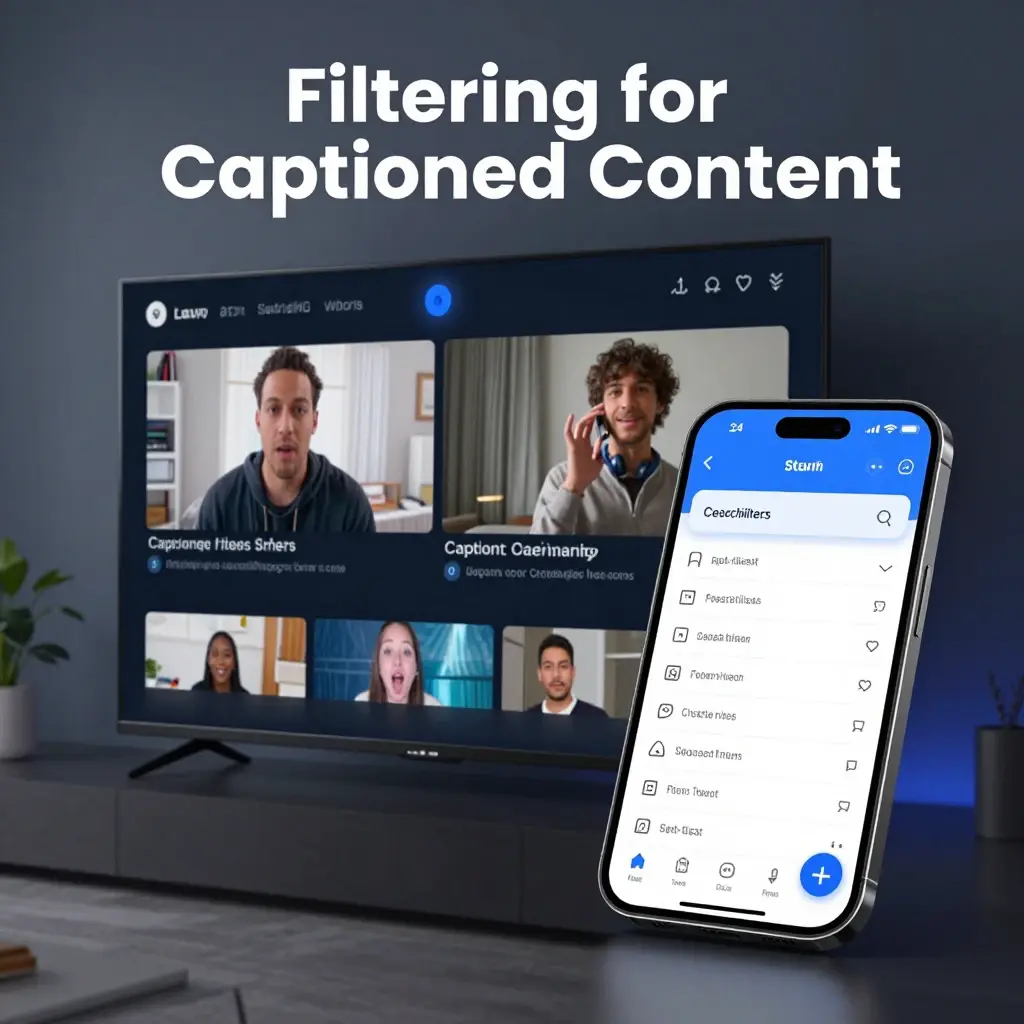
- Always start your search with the platform’s native filter tools. 🔍
- Type your main keyword into the search bar and hit enter. ⌨️
- Click the “Filters” button located right below the search bar. 🖱️
- Look for the “Features” category in the pop-up menu. 📂
- Select “Subtitles/CC” to narrow results exclusively to captioned videos. ✅
- This ensures every result you click is accessible and transcript-ready. ♿
- Perfect for when you’re watching in public without headphones! 🎧
- Use this for language learning to find content with accurate subtitles. 🌐
- Filter by “Upload date” alongside captions to find fresh, accessible content. 📅
- Save time by avoiding videos that lack transcription data entirely. ⏳
- Combine with “Long” or “Short” filters for precision results. 🎯
- Pro tip: Look for the “CC” badge on video thumbnails in results. 🏷️
- This badge is your immediate signal of an accessible viewing experience. 💡
- Filter by “Playlist” to find collections of captioned educational content. 📚
- Use standard browser search (Ctrl+F) once a transcript is open. 🖥️
- Verify caption accuracy by turning them on during initial playback. 📝
- High-quality captions reflect the audio accurately—look for this! 🌟
- Educational content creators prioritize these accessibility features. 🏫
- Make your own content searchable by uploading your own transcript files. 📤
- Understand that auto-captions exist for most videos, even if creators don’t add them. 🤖
- Stay ahead of the curve by mastering these native search features. 🚀
Leveraging Video Transcripts for Deep Research
- Did you know every captioned video has a hidden text version? 📜
- Find the “More” button in the video description area. 🖱️
- Click “Show transcript” to expand the full text dialogue. 📖
- The transcript automatically scrolls as the video plays—so cool! 🎞️
- Use your browser’s find function (Ctrl+F or Cmd+F) to search text. 🔍
- Instantly jump to specific segments by clicking any timestamped line. ⏳
- No more scrubbing through hours of footage for one quote! 🙅♂️
- Researchers love this for extracting accurate, citation-ready data. 🎓
- Students can use this to review lectures without watching in full. 🏫
- Journalists use this for quick fact-checking of public speeches. 🎤
- Find key segments by scanning the text for your target keywords. 🎯
- It’s the fastest way to verify if a video actually covers your topic. ⚡
- The transcript serves as a map to the content’s hidden gems. 🗺️
- Use it to confirm the spelling of names or technical terms. ✍️
- Highlight and copy text for your notes or research summaries. 📋
- It works across almost all long-form educational and documentary content. documentaire 🎥
- Transcript accessibility is a game-changer for digital literacy. 💻
- Don’t rely on memory—use the written record for accuracy. 🧠
- It’s like having a search engine inside every single video. 🔍
- Mastering this skill makes you a power user in seconds. ⚡
- Try it on your favorite long-form video right now! 🎬
Using Third-Party AI Tools for Semantic Search
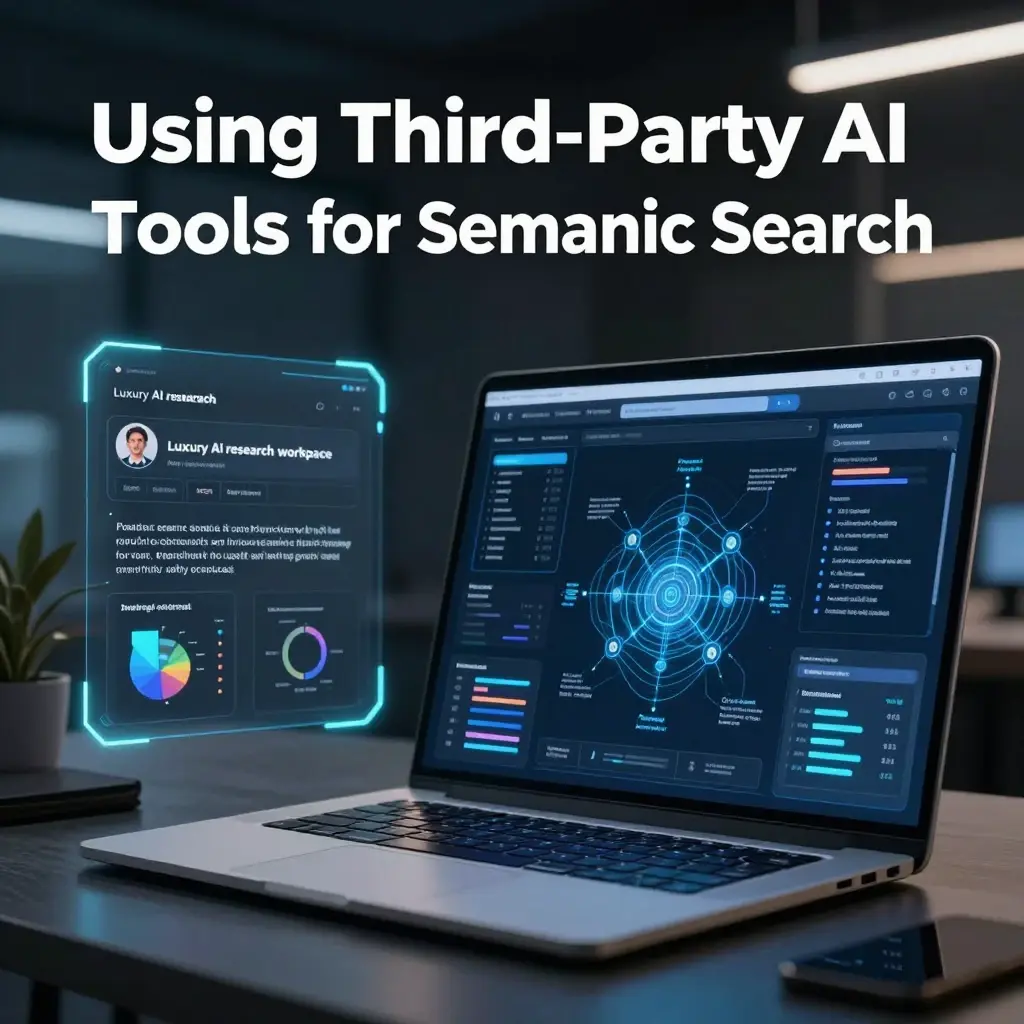
- Sometimes, simple keyword matching just isn’t enough anymore. 🧠
- Use AI-powered tools like YouTLDR for deeper content discovery. 🤖
- These tools convert video into a fully searchable, semantic document. 📄
- Ask natural language questions instead of just searching for words. 🗣️
- Example: “What were the speaker’s three main arguments on this topic?” ❓
- The AI reads the transcript and provides a summary with timestamps. ⏱️
- Perfect for identifying the best clips for social media repurposing. ✂️
- Find the exact moment of a product mention in long webinars. 📦
- Compare different expert opinions by searching across multiple videos. ⚖️
- Semantic search understands context—not just literal keywords. 🧠
- It can find “budget talk” even if the speaker says “financial allocation.” 💸
- Save massive amounts of time on research-heavy projects. ⏳
- These tools often support over 100+ languages for global reach. 🌍
- Jump straight to the relevant timestamp with a single click. 🖱️
- Eliminate the need for manual scrubbing and guessing. 🚫
- Great for students dealing with long, dense lecture recordings. 📚
- Use it to identify the best segments for your own educational content. 💡
- Many of these tools are free to start for casual searching. 🆓
- Upgrade your workflow by integrating AI-driven transcript analysis. 📈
- Stay efficient by letting the AI find the “meat” of the video. 🥩
- Welcome to the future of smart, context-aware video research! 🌟
Pro-Level Search Operators
- Use “intitle:” to find keywords specifically in the video title. 🏷️
- Search “keyword, channel” to find content from a specific source. 📺
- Add “-word” to exclude specific terms from your search results. ❌
- Use quotes like “Exact Match” to find phrases in a specific order. 🔗
- Search for “playlist” to find curated lists on your favorite topics. 📑
- Combine “long” or “short” with keywords to filter video length. 📏
- Type “360” or “VR” to find immersive, specialized video content. 🕶️
- Use the asterisk (*) as a wildcard for missing words in a phrase. 🃏
- Search by specific years to find the most up-to-date information. 📅
- The filter menu is your best friend for custom sorting. 🛠️
- Combine operators for hyper-targeted, laser-focused search results. 🎯
- Save your favorite search combinations for repeatable research. 📂
- Don’t be afraid to experiment with different operator combinations. 🧪
- Google search often indexes these videos—use it for wider reach! 🌐
- Find niche content that doesn’t show up in standard results. 💎
- Operators are the hidden language of efficient internet browsing. 🗣️
- Mastering these tricks will save you hours of wasted time. 🕒
- Even simple queries are better with the right operator. ✨
- Help others by sharing these tips with your fellow researchers. 🤝
- Everything you search for is a step toward better knowledge. 🚀
- Stay curious, keep searching, and keep discovering! 🔍
Captioning for Creators: Boosting Discoverability
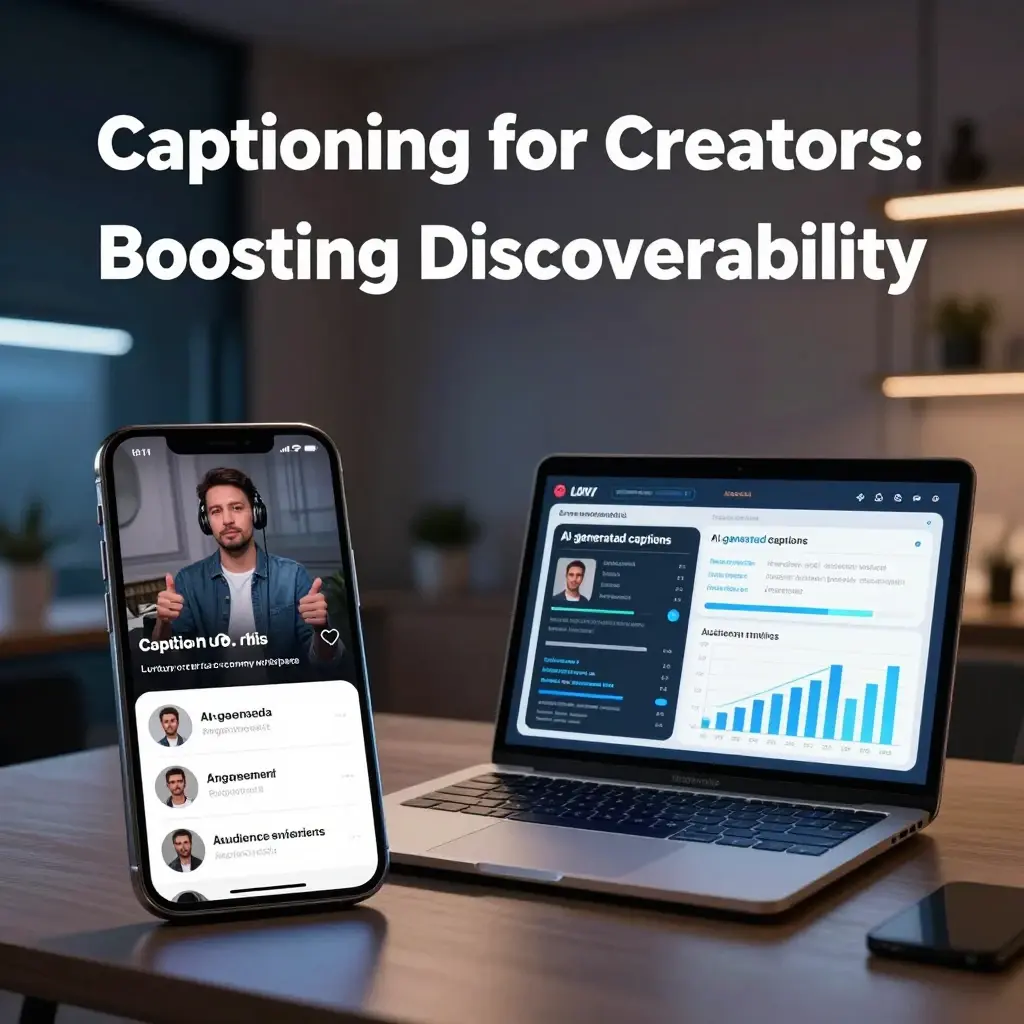
- Creators: Your captions are the secret to SEO success! 📈
- Search engines use your transcript to index your video content. 🤖
- More metadata = higher rankings in YouTube’s search results. 🥇
- Professional-grade captions improve viewer retention significantly. Retention 📊
- Make your content accessible to the global, deaf, and hard-of-hearing community. 🌍
- Use your own transcript files to ensure 100% accuracy every time. ✅
- Avoid relying solely on auto-captions, which can be glitchy. ⚠️
- Include your main keywords naturally within your video’s spoken dialogue. 🗣️
- The transcript file is essentially a blog post for your video. 📝
- Optimize your transcript for the same keywords as your description. ✍️
- Higher accessibility leads to better engagement and watch time. 💡
- YouTube rewards creators who prioritize inclusive user experiences. 🏆
- Think of captions as another layer of “on-page” SEO. 🔍
- Easy-to-read, clean transcripts are favored by the algorithm. ✨
- Use timestamped files for better synchronization and UX. 🕰️
- Add captions to your “shorts” to keep viewers engaged on silent. 🔇
- Better accessibility = fewer bounces and longer average view duration. ⏳
- Encourage viewers to contribute their own translations for reach. 🌐
- Your captions are a valuable asset for long-term video discoverability. 💰
- Don’t leave your search performance to chance—caption it! 🎬
- Start optimizing your transcripts today for maximum channel growth! 🚀
Accessibility: A Right, Not an Option
- Digital accessibility is a fundamental necessity in 2026. ♿
- Closed captions provide equal access for deaf and hard-of-hearing users. 👂
- Transcripts allow users with visual impairments to engage via screen readers. 👁️
- Accessibility features make your content usable for everyone, everywhere. 🌍
- Don’t exclude millions of potential viewers from your audience. 🚫
- It’s about inclusivity, empathy, and building a better web. 🤝
- Many countries have regulations requiring captions for public content. ⚖️
- User-friendly interfaces are built on top of accessible foundations. 🏗️
- Captions help non-native speakers follow along more easily. 🗣️
- It is the right thing to do as a content creator. ❤️
- Accessibility improves the experience for everyone (not just disabled users). 🌈
- Clear transcripts show that you care about your audience’s needs. 💖
- Never underestimate the impact of making your content available to all. ✨
- Inclusive design is the gold standard for modern digital media. 🏆
- Small adjustments in your workflow have massive impacts. 📈
- Accessibility tools are often built into modern smart devices. 📱
- Ensure your video player settings support custom caption styling. 🎨
- Let’s commit to a more inclusive, accessible YouTube ecosystem. 🌐
- The future of video is accessible to everyone. 🌟
- Start your journey toward full accessibility today. 🚀
- Every video is an opportunity to be more inclusive. 💖
Content Repurposing with Transcripts
- Turn your video transcripts into high-performing blog posts! 📝
- Extract key quotes to create shareable social media graphics. 📸
- Use the transcript to write detailed video show notes or summaries. 📑
- Repurpose your content for newsletters or email campaigns easily. 📧
- Convert your video’s wisdom into a downloadable PDF guide. 📁
- Create “best-of” highlight reels using specific, extracted quotes. ✂️
- Use transcripts to draft scripts for future, related videos. ✍️
- Cross-reference multiple videos to create comprehensive long-form articles. 📖
- Your video is the “mother ship” for all your other content. 🚀
- Transcripts provide the foundation for infinite repurposing possibilities. ♾️
- Don’t let your video content die after the first publish. ♻️
- Extend your reach by converting video to text and beyond. 🌐
- SEO is easier when you have text versions of your video content. 🔍
- Keep your messaging consistent across different formats and platforms. 📣
- Transcripts are the ultimate shortcut for content creators. ⏱️
- Create study guides, checklists, or workbooks from your footage. 🎓
- Maximize the value of every single minute you film. 💰
- Your audience loves variety—give it to them in text format! 🌟
- Efficient creators use transcripts to build massive content libraries. 🏗️
- Stop starting from scratch—let your transcripts do the work. 💡
- Unlock the true ROI of your video production efforts. 📈
Navigating Academic and Technical Videos
- Need to find a specific formula or definition in a lecture? 📐
- Use the search function within the transcript to find it instantly. 🔍
- Academic videos are often dense; transcripts help you navigate them. 🏫
- Quickly jump to the section on “methods” or “results” in papers. 🧪
- Students: save hours of study time with transcript-based navigation. 📚
- Identify the exact moment a lecturer mentions a specific case study. 🎓
- Use it to verify technical terms you might have misheard. 👂
- Transcripts make dense information much more digestible. 🧠
- Great for researchers who need to cite specific video minutes. 📖
- Stop watching an hour of footage for a 30-second explanation. 🙅♂️
- Technical jargon is much easier to grasp when you read it. 🧐
- Use the transcript to take better, more accurate notes. ✍️
- It’s a study aid that every university student should master. 🎓
- Improve your comprehension of complex, high-level subject matter. 🧠
- Keep track of key concepts without needing to scrub blindly. 🗺️
- Find the exact segment where a complex process is demonstrated. 🎬
- Academic excellence in the digital age requires this skill. 🏆
- Share specific timestamps with study partners for group work. 🤝
- Transcripts are the bridge between raw video and deep learning. 🌉
- Unlock a new level of productivity in your academic life. 🚀
- Efficiency is the secret to mastering difficult subjects. ⚡
Language Learning and Translation
- Transcripts are a goldmine for anyone learning a new language. 🗣️
- Watch in your target language while reading the transcript. 📖
- It’s the best way to improve your reading and listening speed. ⚡
- Use a dictionary to look up unfamiliar words directly from text. 📖
- YouTube’s auto-translate feature makes transcripts even more powerful. 🌐
- Read along to catch nuances in tone and pronunciation. 🎶
- It helps you identify slang or colloquialisms not taught in class. 🗯️
- Transcripts allow you to re-read segments you didn’t understand. 🔄
- It’s like having a personalized, interactive language tutor. 👩🏫
- Use the transcript to practice shadowing the speaker’s rhythm. 🎙️
- Find content in your target language with accurate, native transcripts. 🌍
- Many videos have professional-grade translations available in CC settings. 💡
- This is far more effective than just watching with subtitles. 📚
- Break down long sentences into smaller, manageable chunks of text. 🧱
- Improve your vocabulary through authentic, real-world examples. 🧠
- Language learning requires active engagement—transcripts provide it! 🎯
- Explore new cultures and topics while boosting your fluency. 🌟
- Transcripts turn any video into a learning module. 🏫
- Never get lost in a conversation again—build your fluency daily. 📈
- The world is your classroom—start learning today! 🚀
Troubleshooting Caption Issues
- Can’t find the transcript button? It might be hidden under “More.” 🖱️
- If “Show transcript” isn’t there, the video might lack captions. 🚫
- Check your account settings to ensure captions are enabled by default. ⚙️
- Report inaccurate auto-captions to help YouTube improve its algorithms. 🚩
- Some videos disable transcript access—unfortunately, you’re out of luck there. 🔒
- Use a browser extension if the native transcript tool is buggy. 🧩
- Make sure your video player isn’t in a “mini-player” mode. 📱
- Sometimes the transcript file takes a few minutes to process. ⏳
- Refresh your page if the transcript isn’t loading correctly. 🔄
- Update your browser for the best experience with new features. 🆙
- If you’re a creator, re-upload your files if sync is off. 📤
- Clear your browser cache if you encounter persistent technical glitches. 🧹
- Use the “Feedback” button to report bugs directly to YouTube. 💬
- Check the help center for platform-wide outages if nothing works. ℹ️
- Don’t panic; most issues are temporary and easily fixed. 🛠️
- Ensure your internet connection is stable for smooth streaming. 🌐
- Ask in the community forums if you encounter a unique problem. 🙋♀️
- Sometimes the issue is just an outdated browser version. 🖥️
- Stay patient—tech is always improving and evolving! ✨
- Help others by documenting solutions to the bugs you find. 🤝
- Troubleshooting is just part of being a power user! ⚡
Keeping Up with 2026 Trends
- AI integration is the biggest trend in video search right now. 🤖
- Expect even more precise semantic search results this year. 🎯
- Voice-to-text accuracy has never been better—take advantage of it! 🎤
- Personalized AI summaries are becoming standard for long videos. 📝
- Social media is favoring videos with “hook-driven” captioning. 🎣
- “Micro-learning” is trending—find the 1-minute lesson in an hour video. 💡
- Expect better multi-language support as global connectivity grows. 🌐
- “Searchable video” is the new SEO benchmark for all creators. 📈
- Keep your ear to the ground for new YouTube accessibility tools. 👂
- Live captions are improving rapidly, even for unscripted streams. 🔴
- 2026 is the year of the “informed viewer”—search to learn! 🎓
- Trends come and go, but accessibility is here to stay. 🏗️
- Stay ahead by mastering these tools before they’re mainstream. 🥇
- Content is evolving—how you consume it should evolve too. 🧠
- The barrier between “watching” and “reading” is vanishing. 🌫️
- Be the one who knows how to find the needle in the haystack. 📌
- The future of the internet is video-first and searchable. 📽️
- Trends in 2026 focus on efficiency and user control. ⏱️
- Never stop optimizing your search and viewing workflow. ⚡
- Welcome to the most exciting year for digital discovery yet! 🌟
Organizing Your Findings
- Create a dedicated document or folder for your research results. 📁
- Store timestamps alongside your notes for quick access later. ⏱️
- Use tools like Notion or Obsidian to organize your video insights. 📓
- Tag your notes by topic for easy future retrieval. 🏷️
- Include links directly to the timestamped moments in your videos. 🔗
- Summarize the key points while the info is still fresh. ✍️
- Use a consistent naming convention for your video research files. 📑
- Don’t just watch—synthesize the information you find. 🧠
- Share your curated findings with your team or study group. 🤝
- Create a database of “knowledge videos” you’ve analyzed. 📚
- Visual maps can help you see connections between different videos. 🗺️
- Consistency is key—make research a regular part of your routine. 📅
- Refine your notes into actionable steps or summaries. ✅
- Your future self will thank you for being so organized! 😇
- Digital decluttering is essential for a sharp mind. 🧼
- Keep your video research separate from your other tasks. 🗃️
- Use bold and highlights to make your notes scannable. ✨
- Review your findings periodically to reinforce the learning. 🔁
- Organization turns raw search data into true knowledge. 💡
- Stay organized, stay ahead, and stay curious! 🚀
Building a “Knowledge Archive”
- Your library of video notes is a powerful personal asset. 🧠
- Capture the insights that matter most to your career. 📈
- Video-based learning is the most efficient way to grow. 📽️
- Curate a collection of videos that represent your areas of expertise. 📚
- Revisit your archive when you need a quick refresher. 🔄
- It’s a searchable database of wisdom you’ve accumulated. 💡
- Build this archive intentionally over time, video by video. 🧱
- It’s a unique knowledge base that no one else possesses. 💎
- Share your curated archives with mentees or friends. 🤝
- Your archive is a living, breathing document of your progress. 🌱
- Treat your video research with the same respect as books. 📖
- The best minds learn from the best speakers on YouTube. 🌟
- Make sure your archive is backed up and easily accessible. ☁️
- Digital archiving is the key to lifetime learning success. 🗝️
- Each video you search and note is a building block for your future. 🏗️
- Your insights are valuable—don’t let them fade away. 💭
- Start your knowledge archive today and see it grow! 🚀
- Knowledge is power; archiving it is your competitive edge. 🏆
- Be proud of the archive you are building for your future self. ✨
- Success favors those who document and store what they learn. 🥇
Ethics of Transcript Use
- Always credit the original creator when using their content. 🤝
- Respect copyright—summarizing is fine; plagiarizing is not. ⚖️
- Use transcripts to learn, not to steal intellectual property. 🚫
- Cite your sources clearly when using video data in your own work. 📝
- Ask for permission if you plan on using large excerpts commercially. 💼
- Being an ethical researcher builds your reputation and trust. 🌟
- Transparency is a core value in the digital research community. 📣
- Don’t misrepresent what the speaker actually said. 🛑
- Always check the creator’s rules on video usage and attribution. 📜
- Use transcripts to further understanding, not to fuel negativity. 🧡
- Be a force for good in the online video ecosystem. ✨
- Integrity in your research will always serve you well. 🏅
- Recognize the labor that goes into every video and transcript. 🛠️
- Use your knowledge to contribute positively to your field. 📚
- Help others by being a model of ethical content consumption. 🤝
- Ethical research is the foundation of a high-quality career. 📈
- Your commitment to ethics sets you apart from the crowd. 🏆
- Think of how you would want your own content to be used. 💭
- Respect the creator, respect the content, respect the research. 🙏
- Build your legacy on a foundation of integrity and truth. 🌟
Boosting Productivity with Search
- Stop wasting time—find your info in seconds, not hours. ⏱️
- Search-based learning is the ultimate productivity hack. 🚀
- Focus only on the parts of the video that provide value to you. 🎯
- Use your extra time to apply the knowledge you just found. ⚡
- High-efficiency research leads to more free time and faster growth. 📈
- Don’t get distracted by the “next video” in the sidebar. 🚫
- Search for what you need, get it, and get back to work! 🏃♂️
- Productivity is about controlling your information flow. 🌊
- YouTube is an infinite resource—use it with intent. 🎯
- Set a timer for your research to stay focused and efficient. ⏰
- Search-first behavior keeps your brain alert and active. 🧠
- Minimize cognitive load by getting right to the point. 🧘♀️
- Efficient video research is a high-demand skill in 2026. 💼
- You’ll be amazed at how much you can learn in 10 minutes. 🔟
- Stop “scrolling” and start “searching.” 🔍
- Productivity isn’t doing more; it’s doing what matters, faster. ✅
- Mastering the transcript search makes you a pro-level learner. 🥇
- Your brain will thank you for the clarity and focus. 🌟
- Start implementing this productivity framework in your next task! ⚡
- Efficiency leads to mastery—go forth and research! 🚀
Final Thoughts: The Search for Knowledge
- The world’s greatest library is waiting for you on YouTube. 📚
- Every captioned video is a door to new understanding. 🚪
- You now have the tools to walk through those doors with confidence. 🔑
- Search, explore, synthesize, and keep growing every single day. 🌱
- Technology will continue to evolve, but curiosity remains constant. 🌟
- Don’t just watch the surface; dive deep into the transcripts. 🌊
- Your ability to find and use information is your greatest strength. 💪
- The internet is a tool—be the one who wields it effectively. 🛠️
- Keep your search sharp and your mind even sharper. 🧠
- The next breakthrough you need is just a transcript search away. 💡
- Thank you for being a seeker of truth and knowledge! 🤝
- Go forth and explore the infinite possibilities of search. 🚀
- Share your newfound skills with others who are struggling. 📣
- Never stop asking questions, and never stop searching for answers. ❓
- The future belongs to the curious and the capable. 🌟
- You have the power to master any topic through video. 🎓
- Keep building, keep learning, and keep finding the truth. ✨
- Your potential is truly unlimited when you know where to look. 🌈
- Happy searching, and may your findings be insightful! 🎯
- You are now fully equipped to conquer the digital frontier! 🚀
FAQs
Q1. Can I search for a specific word inside any YouTube video?
A: Yes, you can use the “Show transcript” feature to open the full text of a video and then use your browser’s “Find” function (Ctrl+F) to search for specific words or phrases instantly.
Q2. How do I filter search results to only show captioned videos?
A: After entering your search query, click the “Filters” button below the search bar and select “Subtitles/CC” under the “Features” category to show only videos with transcripts.
Q3. Do all YouTube videos have captions?
A: While not all videos have manual captions, most videos now have auto-generated captions provided by YouTube’s speech-recognition technology, which are also searchable.
Q4. Can AI tools summarize a long YouTube video for me?
A: Yes, tools like YouTLDR and other AI-based video extensions can analyze a video’s full transcript and answer natural-language questions about its content, saving you time.
Q5. Why should creators bother adding captions to their videos?
A: Adding captions significantly improves accessibility, enhances your video’s SEO, and boosts engagement, making it easier for new viewers to discover your content through search.
Q6. How do I jump to a specific part of a video using the transcript?
A: Once you open the “Show transcript” panel, you can click on any line of text. The video player will instantly jump to the corresponding timestamp of that moment.
Conclusion:
Learning how to search YouTube captions can help you find information faster.
Instead of watching a whole video, you can look at the words in the captions to find what you need.
This makes learning easier and helps you discover new ideas more quickly.
You can use captions to study, do research, or find answers to your questions.
By using caption search, you can get more from every video you watch.
Start using it today to learn smarter and find information faster.

Benjamin Harris is a passionate digital content creator and caption specialist who helps people express their emotions through powerful and engaging words. With a strong focus on social media trends, Benjamin crafts unique and relatable caption ideas for platforms like Instagram, TikTok, and Facebook.