
Caption phones for seniors are special phones made for older people who have trouble hearing.
These phones show the words of a phone call on a screen, so seniors can read what the other person is saying.
In 2026, caption phones will help seniors stay connected with family and friends.
They make phone calls easier and help older adults feel more confident and independent.
Most caption phones use the internet or special services to change spoken words into text.
They also have big buttons, louder sound, and simple controls that are easy for seniors to use.
This guide explains how caption phones work, their benefits, how to set them up, how to fix common problems, and the best choices for seniors.
What Are Caption Phones for Seniors? 📱
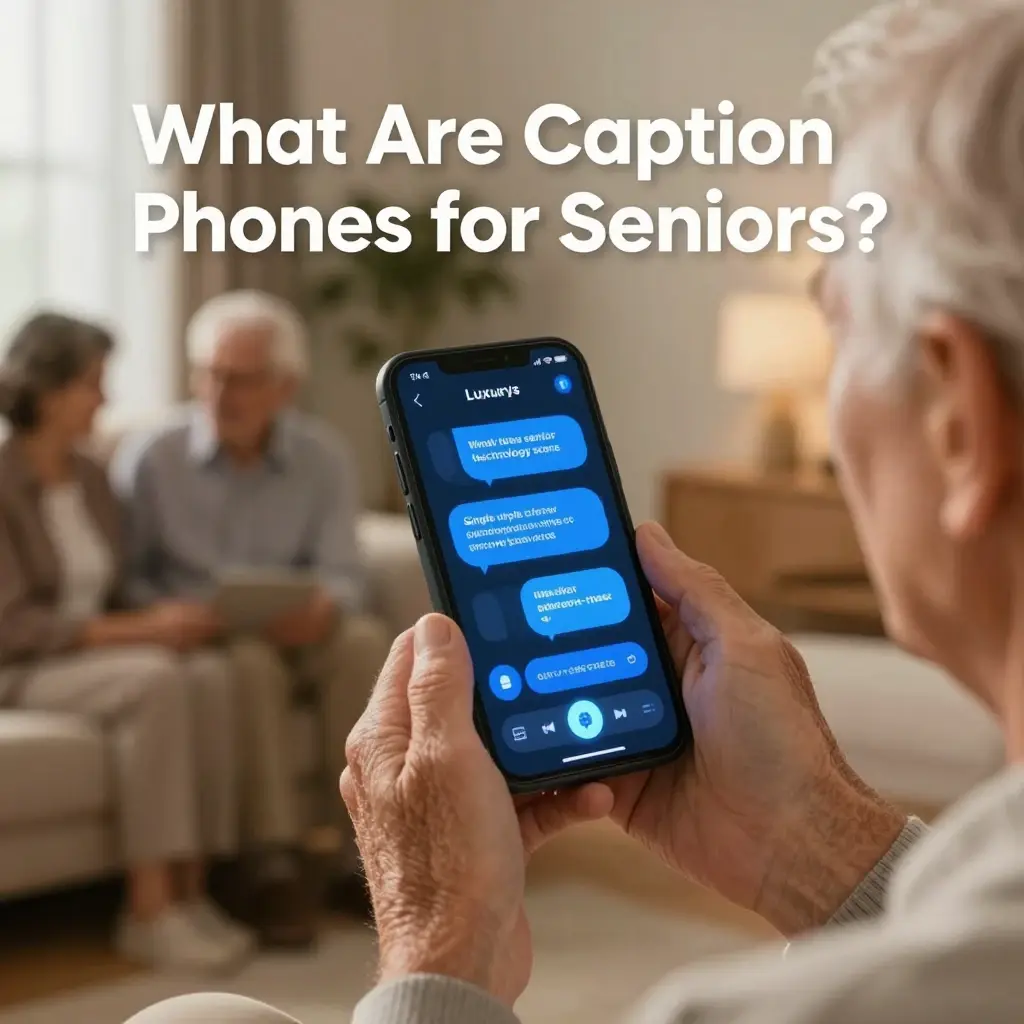
- 📞 Special phones that show live text of spoken calls
- 👵 Designed for seniors with hearing loss or impairment
- 🧠 Convert speech into real-time captions using speech-to-text
- 🌐 Often connected through internet-based relay systems
- 🔊 Include amplified sound for clearer hearing
- 📺 Display captions on a built-in screen
- 🧩 Simple interface with large buttons
- 🏠 Used at home or assisted living facilities
- 📡 Work with captioning services in real time
- 💬 Help users understand conversations better
- 📞 Support both incoming and outgoing calls
- 🔐 Often provided through government programs
- 🧓 Improve independence in communication
- 📲 Easy to operate without technical skills
- 🎧 Combine audio + text for clarity
- 🧾 Reduce misunderstanding in calls
- 🌍 Help seniors stay socially connected
- ⚙️ Designed for accessibility compliance
- 💡 Built for hearing accessibility needs
- ⭐ Essential assistive communication device
How Caption Phones Work 🔧
- 📞 User places or receives a phone call
- 🌐 Call is routed through a captioning service
- 🧠 Speech is converted into text using AI or human captioners
- 📺 Text appears instantly on the phone screen
- 🔊 User can listen and read at the same time
- ⚡ Minimal delay in modern systems
- 📡 Requires internet connection (most models)
- 🧾 Captioning operator may correct speech errors
- 📲 Works like a normal phone with extra display
- 🎧 Audio remains active for clarity
- 🔁 Continuous real-time transcription during call
- 🧩 Supports different accents and languages
- 🔐 Secure communication channel used
- 📞 Works for both incoming/outgoing calls
- 💬 Improves understanding of complex conversations
- 📺 Adjustable text size for seniors
- ⚙️ Settings can be customized easily
- 📡 Automatic activation during calls
- 🧠 Combines accessibility + technology
- ⭐ Designed for independence and confidence
Key Features of Caption Phones for Seniors ⭐

- 📺 Large readable caption display screen
- 🔊 Amplified audio for hearing support
- 📞 One-touch dialing system
- 🧓 Easy navigation buttons
- 💬 Real-time captioning on calls
- 🌐 Internet-enabled connectivity
- 🔐 Secure relay communication system
- 📲 Simple setup process
- 🎧 Adjustable volume control
- 🧠 Voice clarity enhancement technology
- 📞 Call history tracking feature
- 💡 Bright screen for visibility
- 🧩 Emergency contact shortcuts
- 📡 Automatic caption activation
- 🧾 Adjustable text size options
- 🔁 Redial and call replay options
- 📺 High contrast display mode
- 🏠 Home-friendly design
- 💬 Multilingual support (device dependent)
- ⭐ Built for accessibility ease
Benefits of Caption Phones for Seniors ❤️
- 👵 Improves independence in communication
- 📞 Reduces frustration during phone calls
- 💬 Helps understand unclear speech
- 🧠 Boosts confidence in social interaction
- 🏠 Supports aging at home safely
- 🔊 Combines hearing + reading support
- 🌍 Keeps seniors socially connected
- 🧩 Reduces isolation and loneliness
- 📺 Easy to read conversations in real time
- 📲 Simple and user-friendly interface
- 💡 Improves emergency communication
- 📡 Reliable real-time transcription
- 🧓 Supports hearing loss conditions
- 📞 Enables clear communication with family
- 🎧 Reduces misunderstanding risks
- 🧾 Helps with medical or important calls
- 🔐 Safe and secure communication
- ⭐ Enhances quality of life
- 💬 Encourages active communication
- ❤️ Builds emotional well-being
How to Set Up a Caption Phone ⚙️

- 📦 Unbox the caption phone device
- 🔌 Connect power adapter
- 🌐 Connect to Wi-Fi or internet cable
- 📞 Plug into phone line (if required)
- 🔐 Register device with captioning service
- 👵 Create user profile settings
- 📺 Adjust screen brightness and text size
- 🔊 Set preferred volume level
- 📡 Activate caption service account
- 📲 Test incoming and outgoing calls
- 🧠 Learn basic button functions
- 💬 Check real-time caption accuracy
- 🧩 Save emergency contacts
- ⚙️ Customize accessibility settings
- 📞 Make a test call
- 🎧 Verify audio clarity
- 📺 Ensure screen visibility
- 🔁 Restart device if needed
- 🧾 Confirm service activation
- ⭐ Ready for daily use
Problems & Fixes in Caption Phones ⚠️
- ❌ No captions appearing → check internet connection
- 📡 Delay in text → restart device or network
- 🔊 Low sound → adjust volume settings
- 📞 Call not connecting → verify phone line
- 🧠 Incorrect captions → wait for correction sync
- 📺 Screen not displaying → check power supply
- ⚙️ Settings reset → reconfigure profile
- 🔐 Service not activated → contact provider
- 📲 Device freezing → restart system
- 🌐 Weak internet → switch Wi-Fi network
- 🧾 Missing captions → ensure service is enabled
- 🎧 Audio distortion → check speaker settings
- 📞 No incoming calls → verify line connection
- 🧩 System lag → update firmware if available
- ⭐ Contact support if issues persist
Who Should Use Caption Phones? 👵👴
- 🧓 Seniors with hearing loss
- 👂 People with partial hearing impairment
- 🏠 Elderly living independently at home
- 📞 Individuals struggling with phone calls
- 💬 People needing communication assistance
- 🧠 Users who prefer reading + listening
- 🏥 Patients recovering from hearing issues
- 👨👩👧 Seniors staying in contact with family
- 🌍 Anyone needing accessibility support
- 📡 Users requiring captioned communication
Types of Caption Phones 📱
- 📞 Landline caption phones
- 📲 Internet-based caption phones
- 🧠 AI-powered caption devices
- 📺 Large-screen display phones
- 🔊 Amplified hearing phones
- 🏠 Home-use accessibility phones
- 📡 Wireless caption devices
- 💬 Hybrid audio-text systems
- 🔐 Secure relay-based phones
- ⭐ Advanced smart caption phones
Tips for Better Use 💡
- 🌐 Use a strong internet connection
- 📺 Adjust text size for comfort
- 🔊 Set optimal volume level
- 🧠 Speak clearly during calls
- 📞 Test device regularly
- 🔁 Restart weekly for performance
- 📲 Keep software updated
- 🧓 Practice using features daily
- 💬 Use captions + audio together
- 🏠 Place phone in a stable location
FAQs
Q1. What are caption phones for seniors?
A: They are phones that display real-time text captions of spoken conversations.
Q2. Do caption phones require the internet?
A: Most modern models require the internet for real-time captioning.
Q3. Are caption phones free?
A: Many are available through accessibility programs or subsidies.
Q4. Do they work for all calls?
A: Yes, they work for incoming and outgoing calls.
Q5. Are captions automatic?
A: Yes, captions appear in real time during conversations.
Q6. Can captions be customized?
A: Yes, users can adjust text size, brightness, and settings.
Conclusion:
Caption phones for seniors are life-changing accessibility tools that help older adults communicate clearly, confidently, and independently.
By combining voice and real-time text, these devices reduce hearing barriers and improve everyday communication.
In 2026, assistive communication technology is becoming more advanced, affordable, and user-friendly than ever.
Caption phones are not just devices; they are a bridge to connection, independence, and a better quality of life for seniors everywhere.

Liam Davis is a modern storyteller and creative writer known for his engaging, insightful, and emotionally rich content. With a passion for literature and digital storytelling, he brings ideas to life through powerful words that connect with readers worldwide. His writing style blends creativity with clarity, making complex thoughts simple and relatable.