

Captioning a video means putting words on the screen so people can read what is being said.
Many people watch videos without sound, so captions help them understand the video.
Captions make videos easier to watch on Instagram, TikTok, YouTube, and Facebook.
They can help people stay longer and enjoy the video more.
If you make reels, lessons, or ads, captions can help more people watch and understand your content.
What It Means to Caption a Video
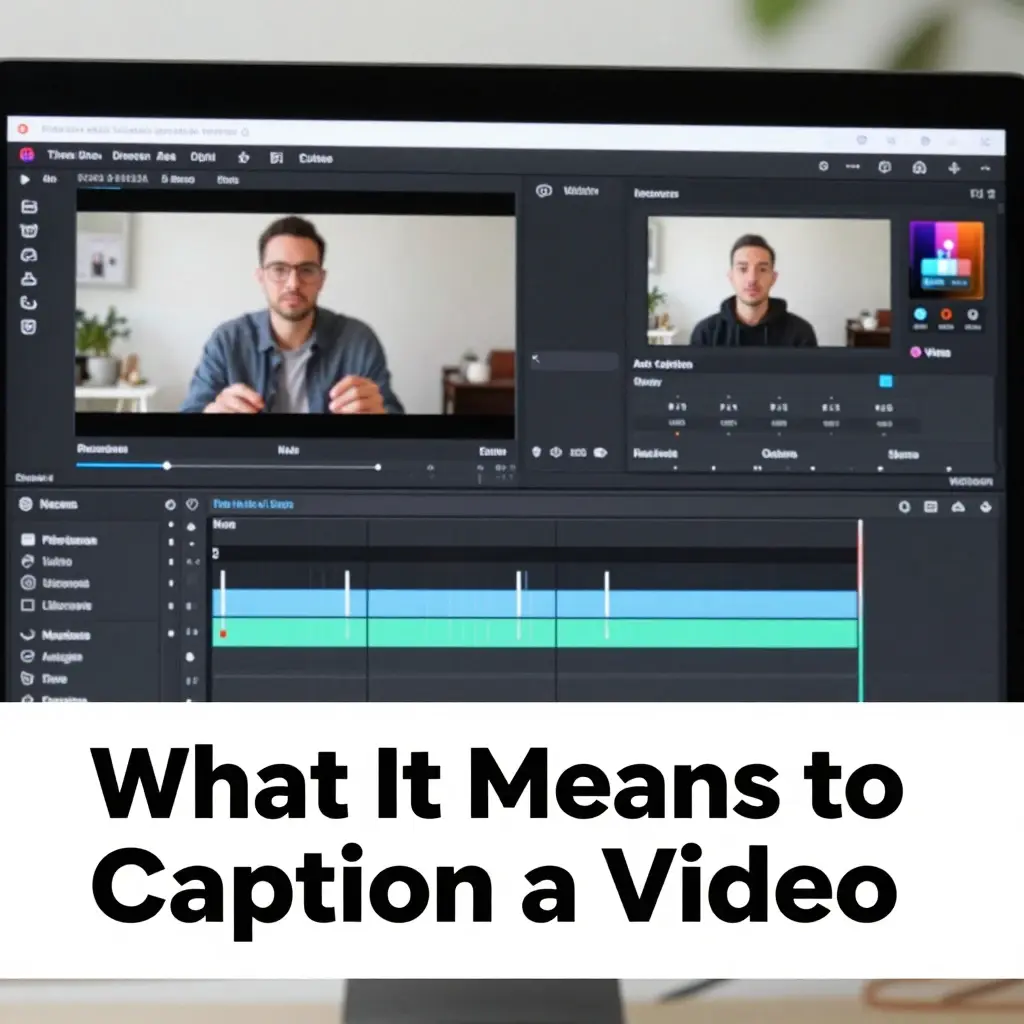
- 🎬 Adding text that matches spoken audio in a video
- 🧠 Helping viewers understand content without sound
- 📱 Making videos accessible in silent mode
- 💬 Displaying dialogue clearly on screen
- 🔊 Including sound effects like “laughter” or “music.”
- 🌍 Supporting global and multilingual audiences
- 📊 Improving engagement and retention rates
- 🎯 Enhancing clarity of the message
- 📺 Used on YouTube, TikTok, Instagram, Facebook
- ✍️ Can be created manually or automatically
- 🧩 Helps structure storytelling visually
- 📖 Improves learning and comprehension
- 🔥 Increases chances of viral reach
- 🚀 Boosts algorithm performance
- 👀 Captures viewers scrolling silently
- 💡 Adds context to visuals instantly
- 📈 Improves SEO and discoverability
- ❤️ Supports accessibility for hearing-impaired users
- 🎥 Essential for reels, shorts, ads
- 🌐 Standard practice in digital media
- ✨ Critical skill for 2026 creators
Why Captions Are Important for Videos
- 📱 Most users scroll videos without sound
- 🎬 Captions increase average watch time
- 📊 Improve ranking on social platforms
- 💬 Encourage more comments and interaction
- 🌍 Make content understandable worldwide
- 🧠 Help viewers in noisy environments
- 🔥 Increase viral potential significantly
- 📈 Improve search engine visibility
- 👀 Grab attention instantly in the first seconds
- 💡 Strengthen storytelling impact
- ❤️ Improve accessibility for all users
- 🎯 Make the message clearer and faster
- 📺 Increase professional video quality
- 🧩 Help viewers follow complex content
- 🚀 Increase shareability of posts
- ✍️ Support brand communication
- 📖 Make learning content easier
- 🌈 Enhance user experience overall
- 🎥 Improve retention on reels and shorts
- ⚡ Boost conversion for marketing videos
- 🌟 Give a competitive advantage online
Types of Video Captions You Can Use
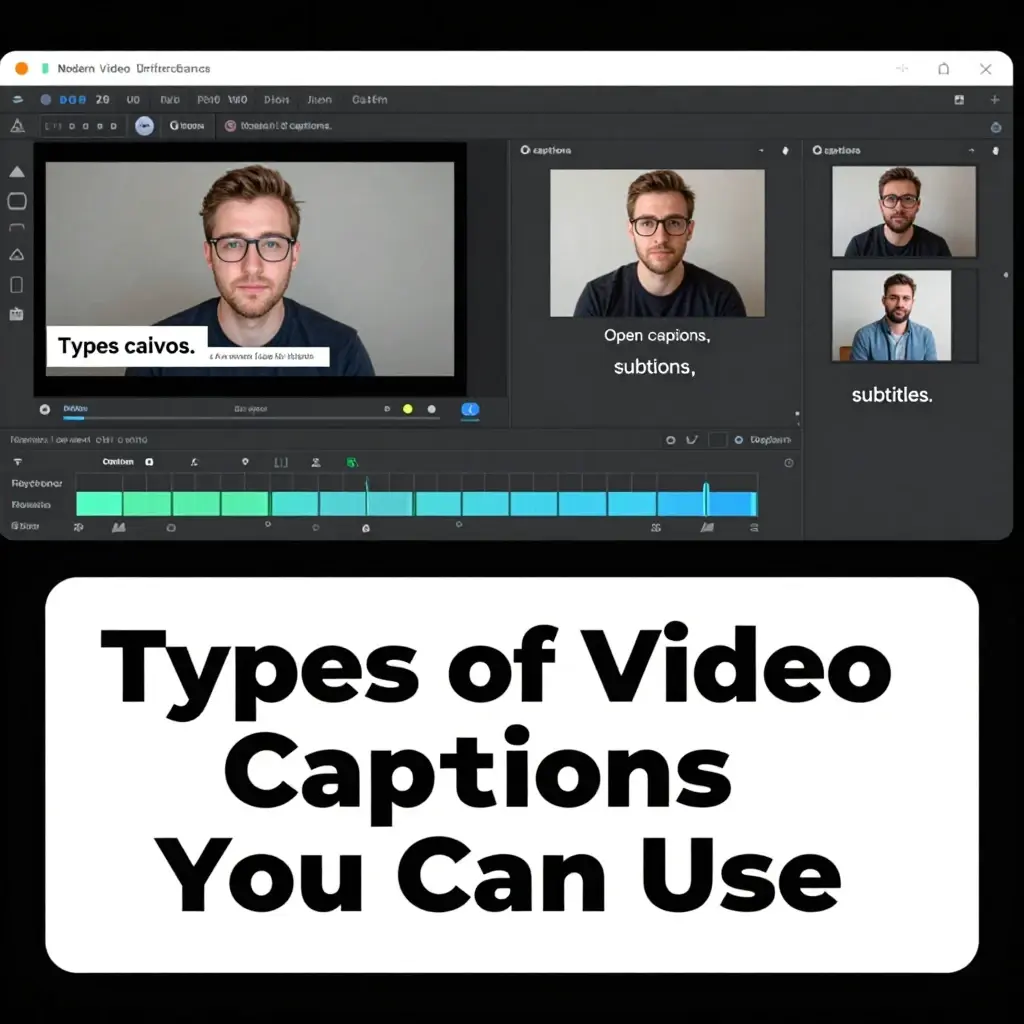
- 🎬 Closed captions (toggle on/off by viewer)
- 📺 Open captions (always visible text)
- 🧠 Subtitles (translated speech text)
- 🔊 Sound effect captions (laughter, music, etc.)
- 💬 Dialogue captions (spoken words only)
- 🎯 Burned-in captions (permanent text overlay)
- 📱 Auto-generated AI captions
- ✍️ Manually written captions
- 🌍 Multilingual captions for global reach
- 📊 SEO optimized captions for search ranking
- 🎥 Time-synced captions
- 💡 Descriptive captions for context
- ❤️ Accessibility-focused captions
- 🚀 Social media style captions
- 🔥 Short-form reel captions
- 🧩 Educational captions
- 📖 Tutorial captions
- 🎓 Learning-based captions
- 📈 Marketing captions
- 🌈 Creative storytelling captions
- ⚡ Real-time live captions
How to Caption a Video Manually (Step-by-Step)
- 🎬 Watch the entire video before starting
- ✍️ Write a full transcript of spoken content
- ⏱️ Break text into short, readable segments
- 📱 Sync each sentence with timing
- 🧠 Keep language simple and natural
- 💬 Match captions with spoken tone
- 🎯 Avoid long or complex sentences
- 📊 Maintain consistent timing intervals
- 🧩 Position text where it is readable
- 🔥 Highlight important keywords
- 📖 Use proper punctuation for clarity
- 🎥 Preview video multiple times
- ✏️ Edit spelling and grammar errors
- 🌍 Adjust language for audience
- 📺 Ensure mobile readability
- 💡 Keep captions clean and minimal
- ❤️ Maintain emotional tone if needed
- 🚀 Optimize flow for viewer retention
- 📈 Fix timing gaps carefully
- 🧠 Proofread everything before export
- ✨ Export final captioned video
How to Add Captions Using AI Tools
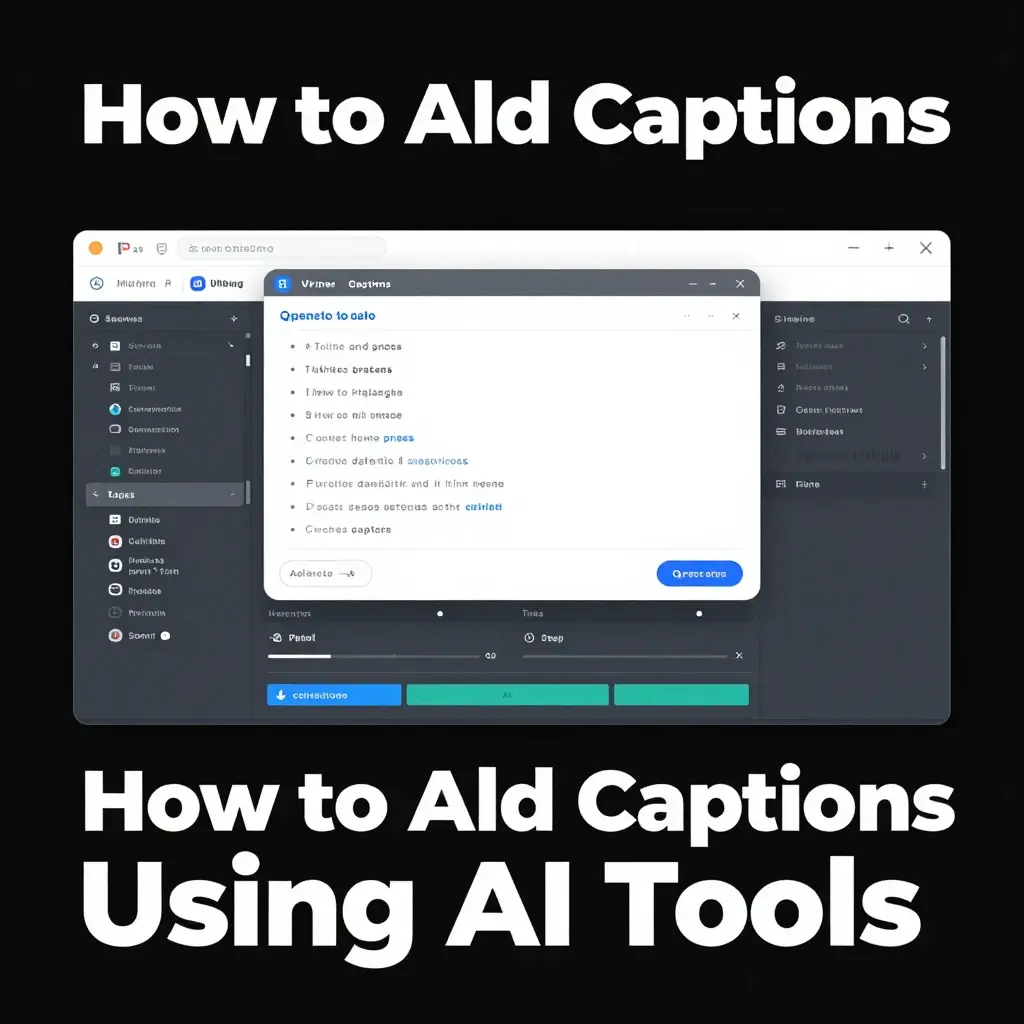
- 🤖 Upload video to AI caption tool
- 🎬 Let AI analyze speech automatically
- 🧠 AI converts audio into text
- ⚡ Captions generated in seconds
- ✍️ Review and edit generated text
- 📱 Fix timing alignment if needed
- 💬 Correct spelling or grammar errors
- 🎯 Choose caption style and font
- 🌈 Customize colors and placement
- 📊 Optimize readability for mobile
- 🔥 Add trending keywords if needed
- 📺 Preview full video playback
- 🚀 Export final captioned version
- 🧩 Use for multiple platforms
- 🌍 Translate captions if required
- 💡 Add manual emotional touches
- ❤️ Improve tone and clarity
- 📈 Test engagement performance
- 🎥 Save template for reuse
- ⚙️ Publish directly to social media
- ✨ Combine AI + human editing
Best Tools for Captioning Videos in 2026
- 🤖 AI caption generators
- 🎬 YouTube auto-caption system
- 📱 Instagram caption feature
- 🎥 TikTok auto subtitles
- 💻 Professional editing software
- 🌍 Online subtitle generators
- 🧠 Speech-to-text AI tools
- ✍️ Mobile video editors
- 📊 SEO caption optimization tools
- 🔥 Social media editing apps
- 💡 Cloud-based caption platforms
- 📺 Advanced video suites
- 🚀 Fast transcription tools
- 🎯 Marketing video tools
- 🧩 Content creation platforms
- 📈 Analytics-based editors
- 🌈 Creative design tools
- 📖 Educational video apps
- ❤️ Accessibility caption tools
- ⚡ Real-time caption apps
- 🎥 All-in-one editing software
Best Practices for Writing Video Captions
- 🎯 Keep captions short and readable
- 🧠 Match spoken words accurately
- 📱 Optimize for mobile screens
- 🎬 Sync captions perfectly with audio
- 💬 Use natural conversational tone
- 🔥 Avoid overcrowding text
- 📊 Maintain consistent formatting
- 🧩 Break long sentences properly
- 🌍 Consider an international audience
- ✍️ Use correct grammar and punctuation
- ❤️ Maintain emotional balance
- 🚀 Focus on engagement improvement
- 📈 Use keywords naturally if needed
- 🎥 Avoid blocking visuals
- 💡 Highlight key phrases only
- 📺 Test captions on multiple devices
- 🌈 Use clean and modern fonts
- 🧠 Always proofread carefully
- ⚡ Ensure fast readability speed
- 📖 Keep design simple
- ✨ Prioritize clarity over style
Benefits of Captioning Videos
- 📈 Higher watch time
- 💬 More engagement and comments
- 🔥 Increased viral potential
- 🌍 Global audience reach
- 📱 Better mobile viewing experience
- 🎯 Improved SEO ranking
- 🧠 Better understanding of content
- ❤️ More inclusive accessibility
- 🚀 Higher conversion rates
- 🎥 Improved storytelling quality
- 📊 Better algorithm performance
- 👀 Increased viewer retention
- 💡 Clearer message delivery
- 🧩 Structured video flow
- 📺 Professional video appearance
- ✍️ Easier content comprehension
- 🌈 Enhanced user experience
- ⚡ Faster content consumption
- 📖 Better learning experience
- 🎬 Strong brand identity
- 🌟 Competitive advantage online
Common Mistakes to Avoid
- ❌ Poor timing sync with audio
- ❌ Too much text on screen
- ❌ Hard-to-read fonts
- ❌ Low contrast colors
- ❌ Ignoring punctuation rules
- ❌ Spelling and grammar mistakes
- ❌ Overcrowded captions
- ❌ Missing important dialogue
- ❌ Not testing final video
- ❌ Ignoring mobile view
- ❌ Using auto captions without editing
- ❌ Inconsistent formatting style
- ❌ Poor caption placement
- ❌ Ignoring accessibility needs
- ❌ Weak readability speed
- ❌ Not proofreading content
- ❌ Overuse of effects
- ❌ Ignoring audience language
- ❌ Random caption styling
- ❌ No engagement optimization
- ❌ Skipping final review
Tips for Viral Video Captions
- 🔥 Keep captions short and powerful
- 🎯 Match tone with video emotion
- 📱 Design for mobile-first viewing
- 💬 Use simple conversational language
- 🧠 Focus on clarity and timing
- 🚀 Add trending keywords naturally
- 📈 Improve retention with pacing
- ❤️ Create emotional connection
- 🎬 Sync perfectly with visuals
- 🌈 Use aesthetic caption style
- ✍️ Edit AI captions manually
- 💡 Highlight key moments only
- 🧩 Break long speech into parts
- 📊 Test different caption styles
- 🌍 Think global audience reach
- ⚡ Use high contrast visuals
- 📺 Keep the screen clean and readable
- 🔥 Add storytelling flow
- 👀 Hook viewers early
- ✨ Maintain consistent style
- 📖 Focus on engagement impact
Future of Video Captioning
- 🤖 Fully automated AI captions
- 🧠 Emotion-aware transcription systems
- 🌍 Real-time multilingual translation
- 🎬 Instant caption generation tools
- 📱 Voice-controlled editing systems
- 🔥 Hyper-personalized captions
- 📊 AI-driven engagement optimization
- 💡 Smart visual-text synchronization
- 🚀 Auto SEO optimization captions
- 🎯 Platform-specific caption tuning
- ✨ Adaptive caption styling AI
- 🧩 Context-aware caption systems
- 📈 Predictive engagement captions
- ❤️ Emotion detection in captions
- 🌈 Advanced accessibility standards
- 🎥 Real-time live captioning
- ⚡ Faster AI processing engines
- 📺 AR/VR caption integration
- 🌍 Universal caption translation
- 🧠 Human-like AI writing systems
- 🔧 Fully automated video workflows
FAQs
Q1. What does it mean to caption a video?
A: It means adding text that represents spoken words or sounds in a video.
Q2. Why are captions important?
A: They improve accessibility, engagement, and SEO performance.
Q3. Can I auto-generate captions?
A: Yes, AI tools can generate captions automatically from audio.
Q4. Are captions necessary for social media?
A: Yes, they significantly increase watch time and reach.
Q5. What is the difference between subtitles and captions?
A: Subtitles translate speech, while captions include all audio information.
Q6. Which videos need captions?
A: All videos, especially social media, educational, and marketing content.
Conclusion:
Learning how to caption a video is important.
Captions are words that show on the screen.
They help people understand videos better.
Captions also help more people watch and enjoy your videos.
Good captions can help your videos get more views, shares, and likes.
In today’s digital world, captions are not optional; they are essential for growth and success.

Benjamin Harris is a passionate digital content creator and caption specialist who helps people express their emotions through powerful and engaging words. With a strong focus on social media trends, Benjamin crafts unique and relatable caption ideas for platforms like Instagram, TikTok, and Facebook.